We use cookies to make your experience better. By using SchoolTracs.com, you accept our cookie notice terms.

SchoolTracs logo

ATTENDANCE MANAGEMENT

Fast Attendance, Always Visible

Mark attendance in seconds, keep every status transparent, and let students handle leave requests without paperwork.

Clear attendance records across lessons

Clear Attendance Records

Mark attendance quickly and keep it visible.

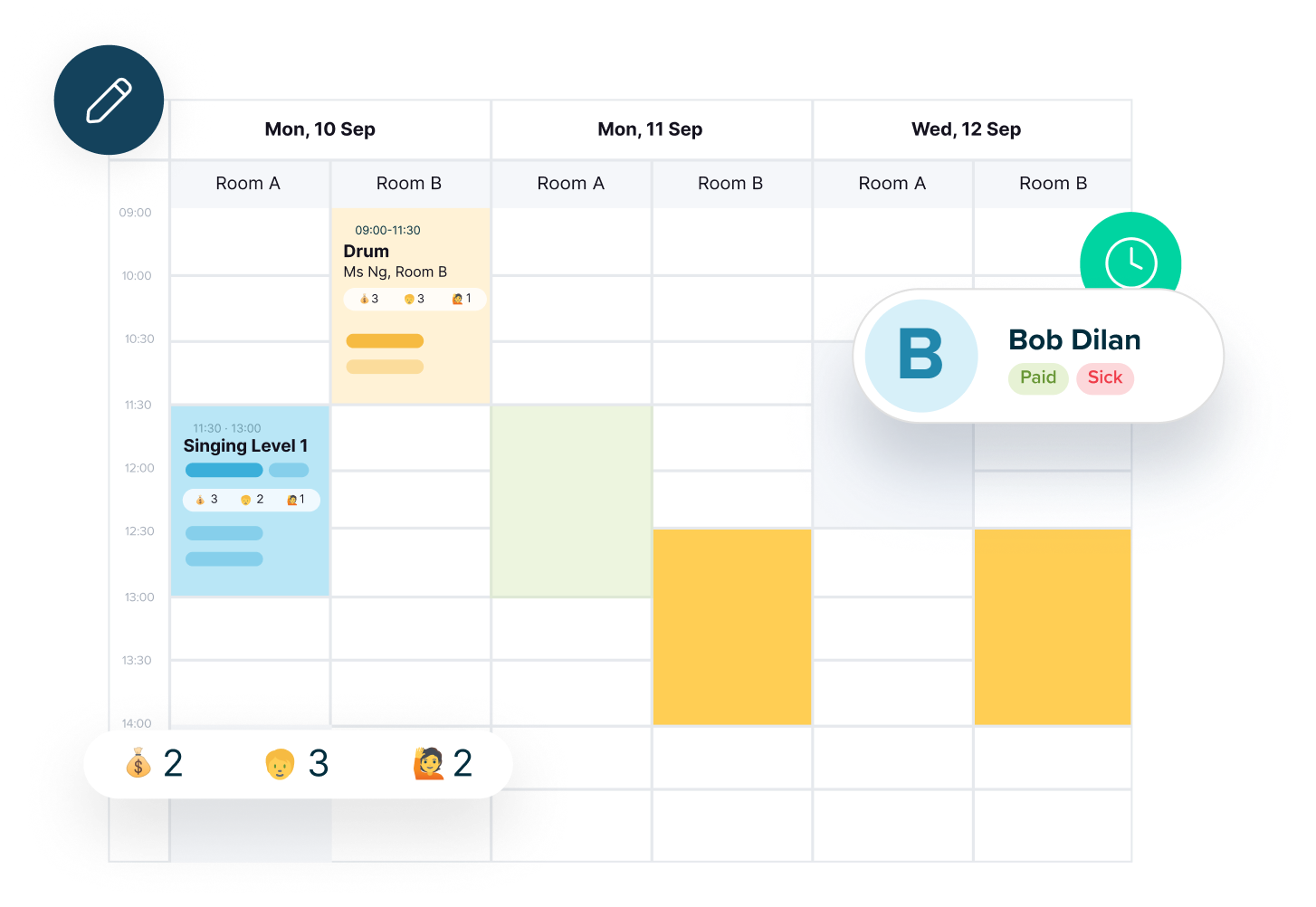
  • Student profiles show attendance, leave, and sick leave history for each lesson, including rescheduled lessons.
  • Timetables display attendance status next to each student’s name for instant clarity.

Scan or Tap to Mark Attendance

Record attendance fast, with options that fit your workflow.
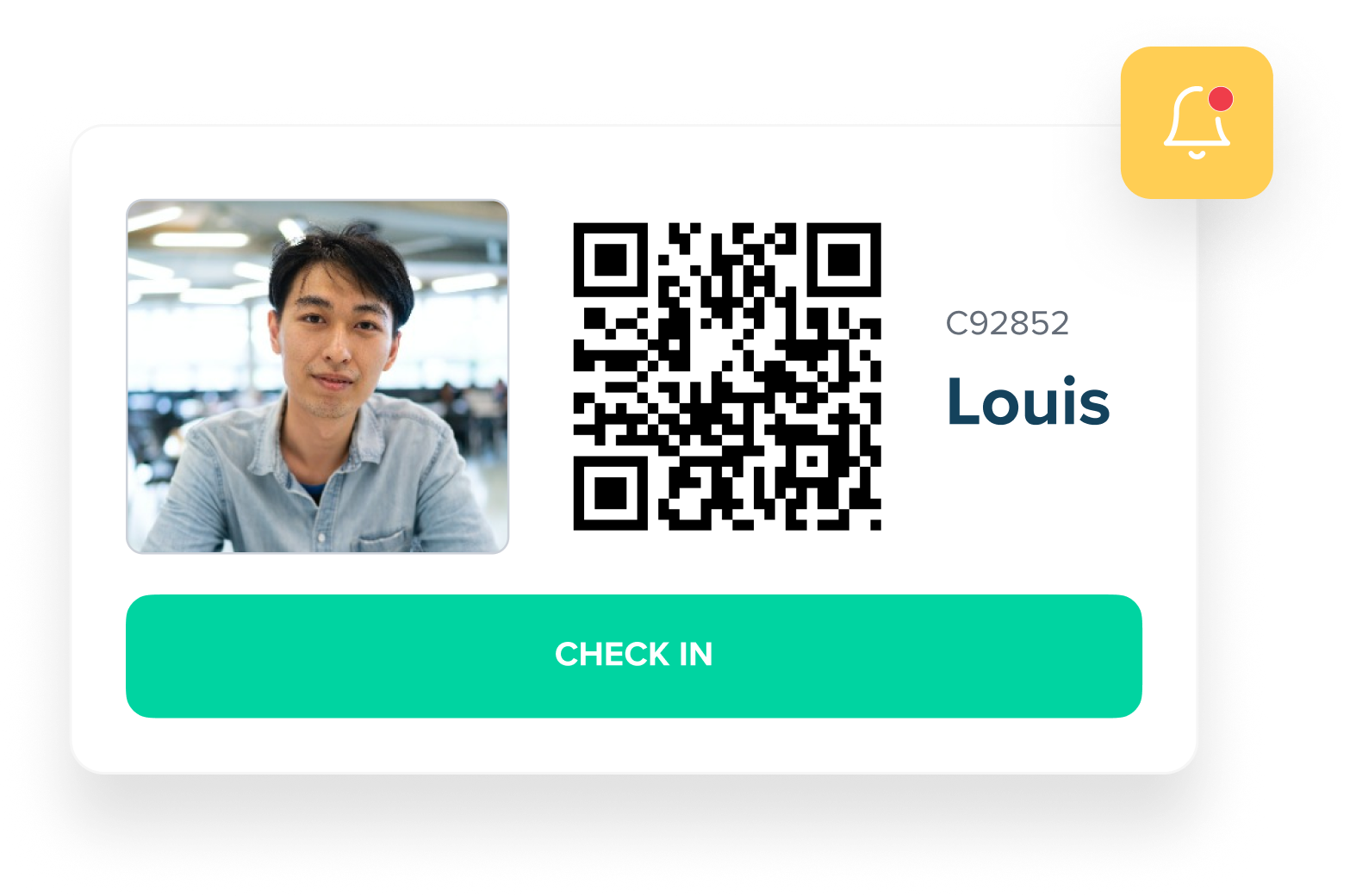
  • Mark manually in the timetable or enable auto attendance for students without leave requests.
  • Generate and print QR codes or barcodes to scan attendance on arrival.
  • Notify the Student App when attendance is taken so parents stay up to date.
Scan or tap to record attendance
Self-service leave requests in the Student App

Self-Service Leave Requests

Let students submit leave and proof digitally.

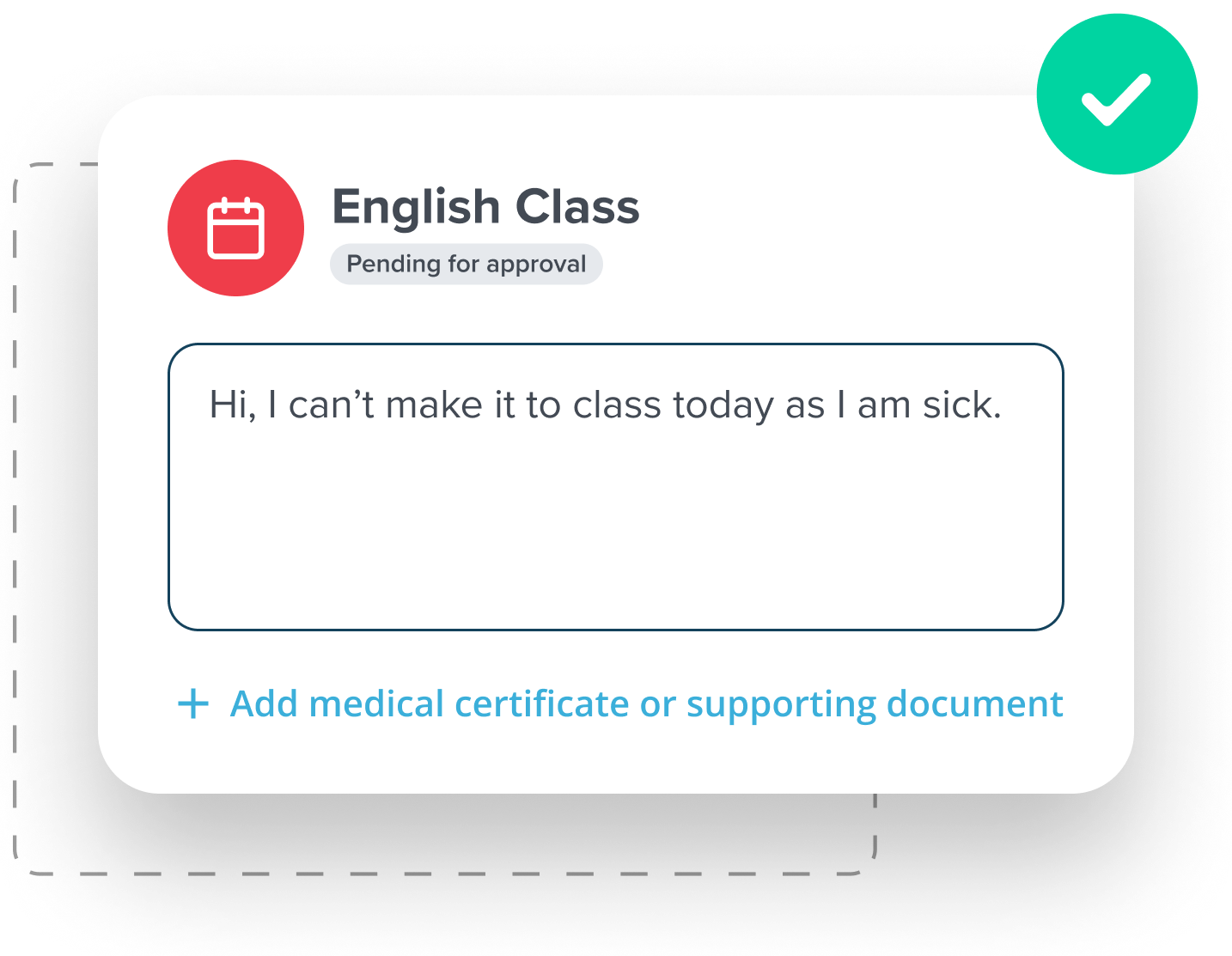
  • Students apply for leave in the Student App and upload doctor certificates if needed.
  • Approve or decline requests; students are notified automatically and can reschedule from there.

Teacher App Attendance

Keep teachers in sync with attendance status.
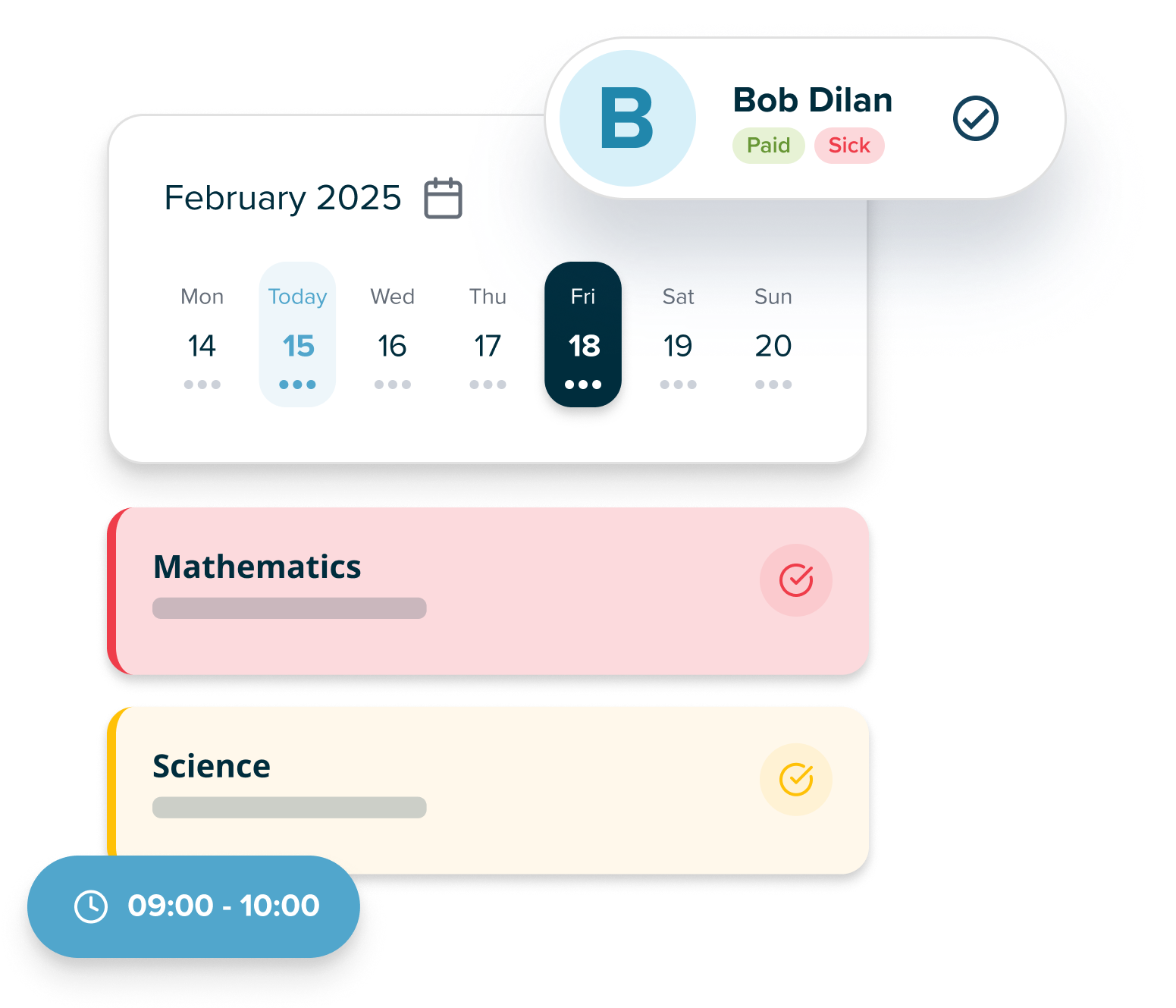
  • Teachers mark attendance in the Teacher App, ideal between classes or on the move.
  • See each student’s attendance status at a glance to reduce follow-up.
Teacher App attendance overview

Frequently Asked Questions

How do teachers mark attendance in SchoolTracs?

Teachers can mark attendance directly in the SchoolTracs Teacher App on their phone, or from the admin dashboard. They mark each student as present, absent, or late in one step.

Can students use a QR code to check themselves in?

Yes. SchoolTracs generates a unique QR code for each class. Students scan it on arrival to mark their own attendance, reducing manual check-in work for staff.

Can parents submit leave requests through the Student App?

Yes. Parents can submit leave requests directly in the Student App. Approved leaves appear in the student's attendance record and can trigger make-up lesson eligibility.

Does SchoolTracs notify parents when their child's attendance is marked?

Yes. Parents receive automatic notifications when their child's attendance is marked, giving them real-time visibility without requiring a phone call to the centre.

Can I generate an attendance report for a specific student or class?

Yes. The Reports section lets you filter attendance by student, class, teacher, or date range, and export the results to Excel or CSV.

Discover more Features

Start trial

Streamline your education business here. Whether you are private tutors or owner of multiple educational institutions, we have all the features you need.