


STUDENT ASSESSMENT
We're excited to share the center's newest feature: Student Assessment. Built to make day-to-day student evaluation easy for teachers, it boosts teaching efficiency whether your center teaches piano, dance, or tuition classes.
Start Free Trial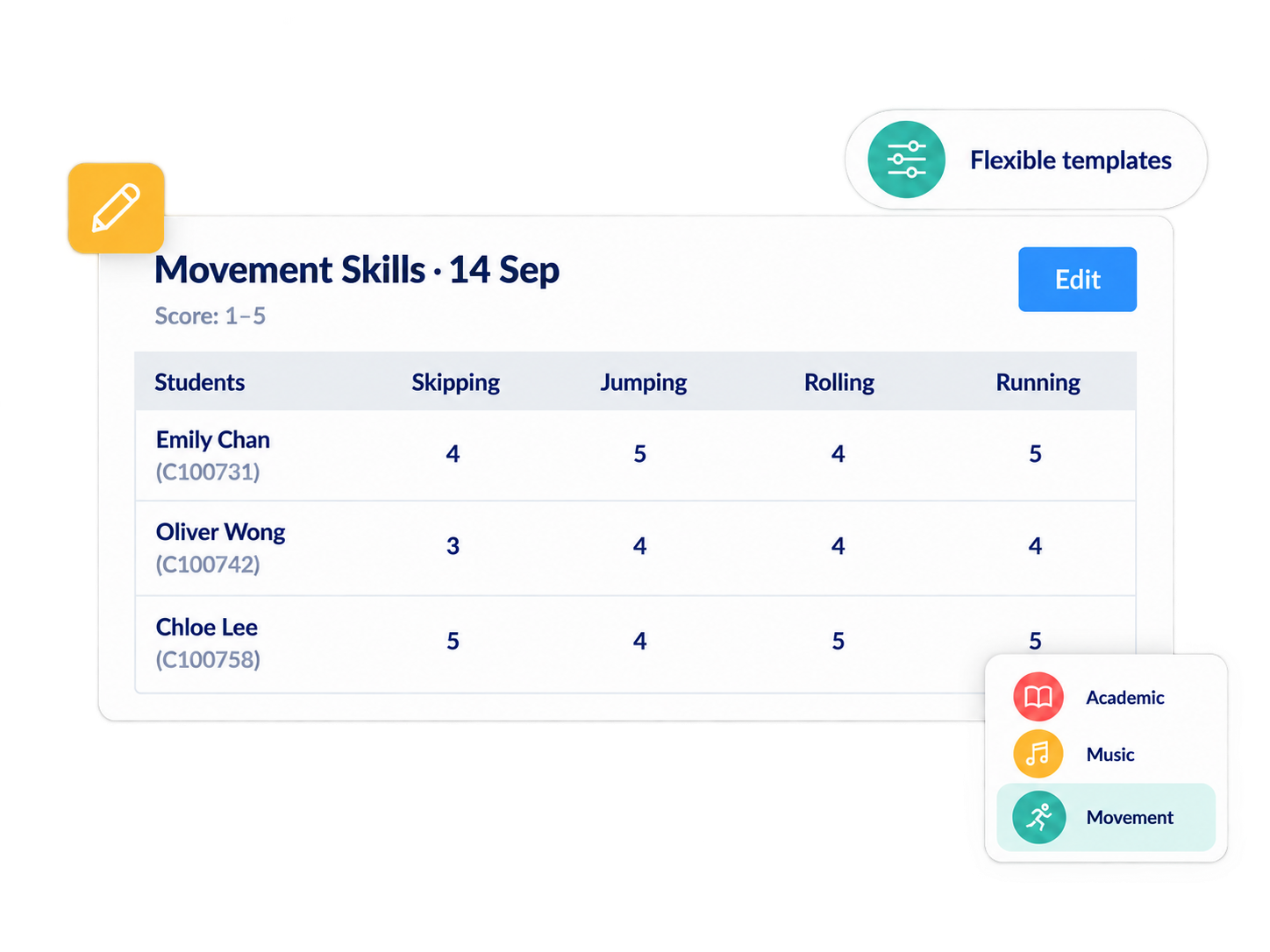
Centers can set up dedicated assessment templates for different subjects and skill areas. Each template tracks scores across multiple stages over time, giving a fuller, more convincing picture of progress. For example:
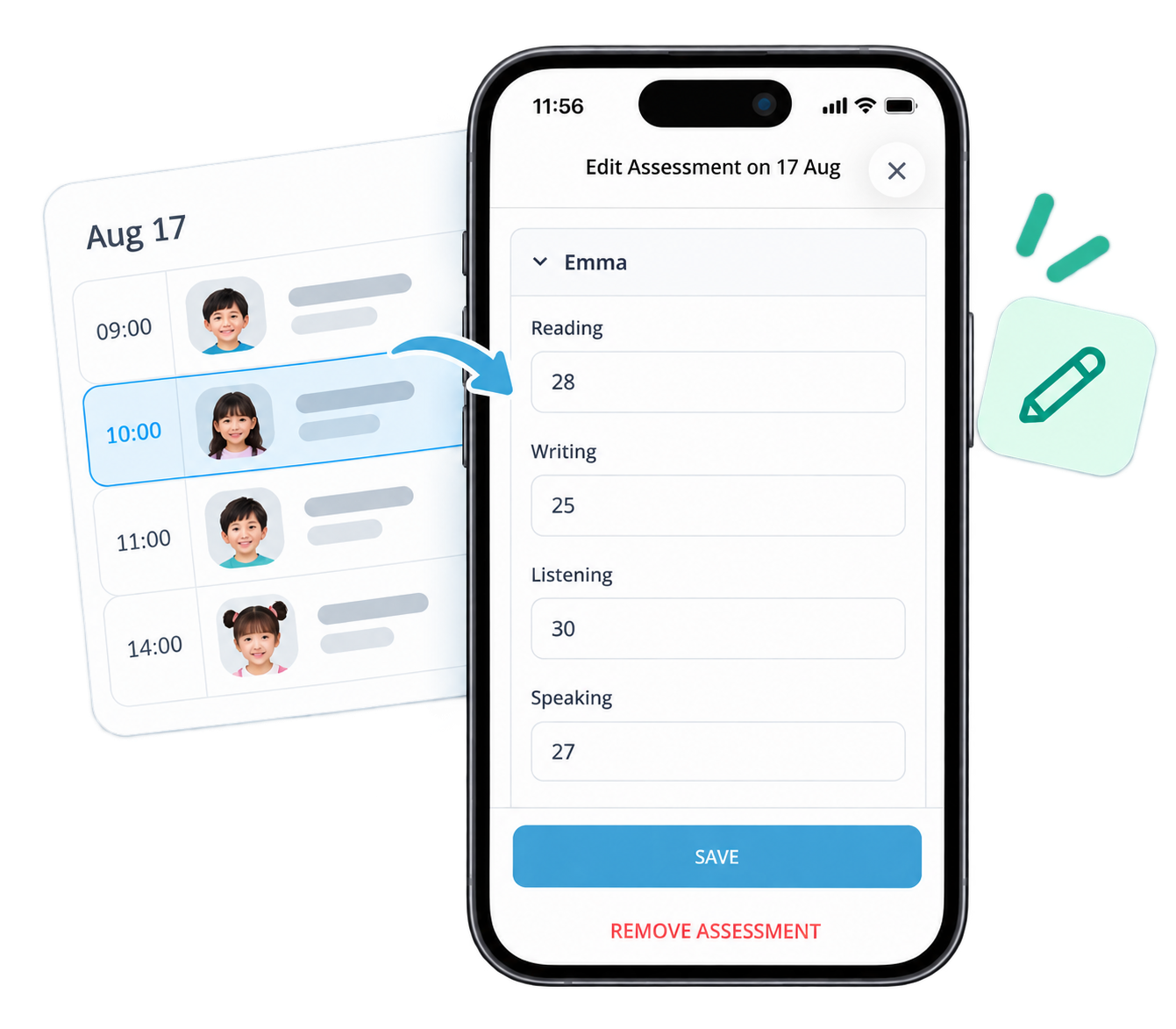
Teachers simply match the class timetable in the app, select the right template, and finish scoring in minutes—no more handwritten notes or separate spreadsheets. All scoring happens directly in the mobile app.
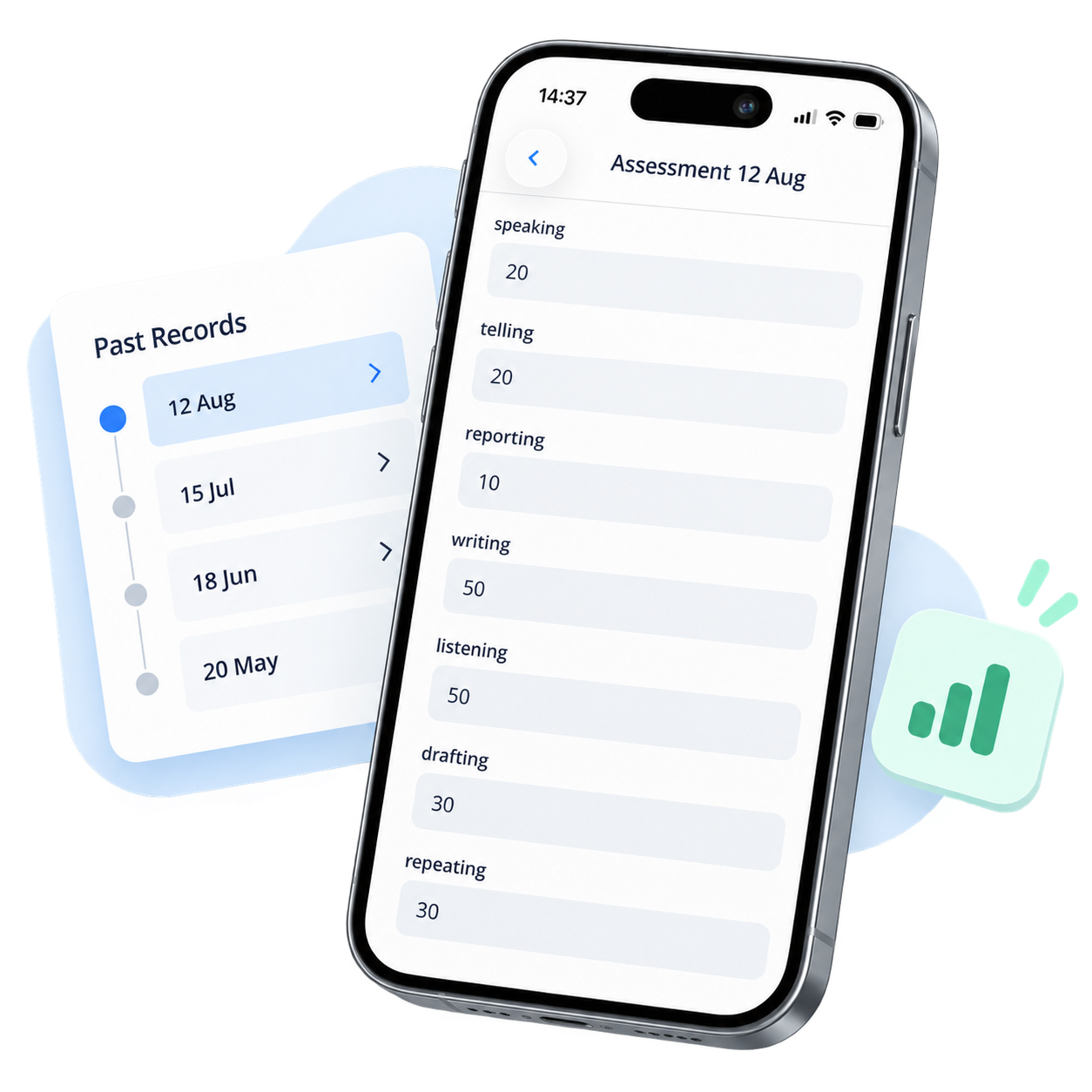
Parents see specific, multi-dimensional assessment detail instead of a single score, which builds confidence in your center's professionalism. Parents and students can check past assessment records anytime through the Student App.
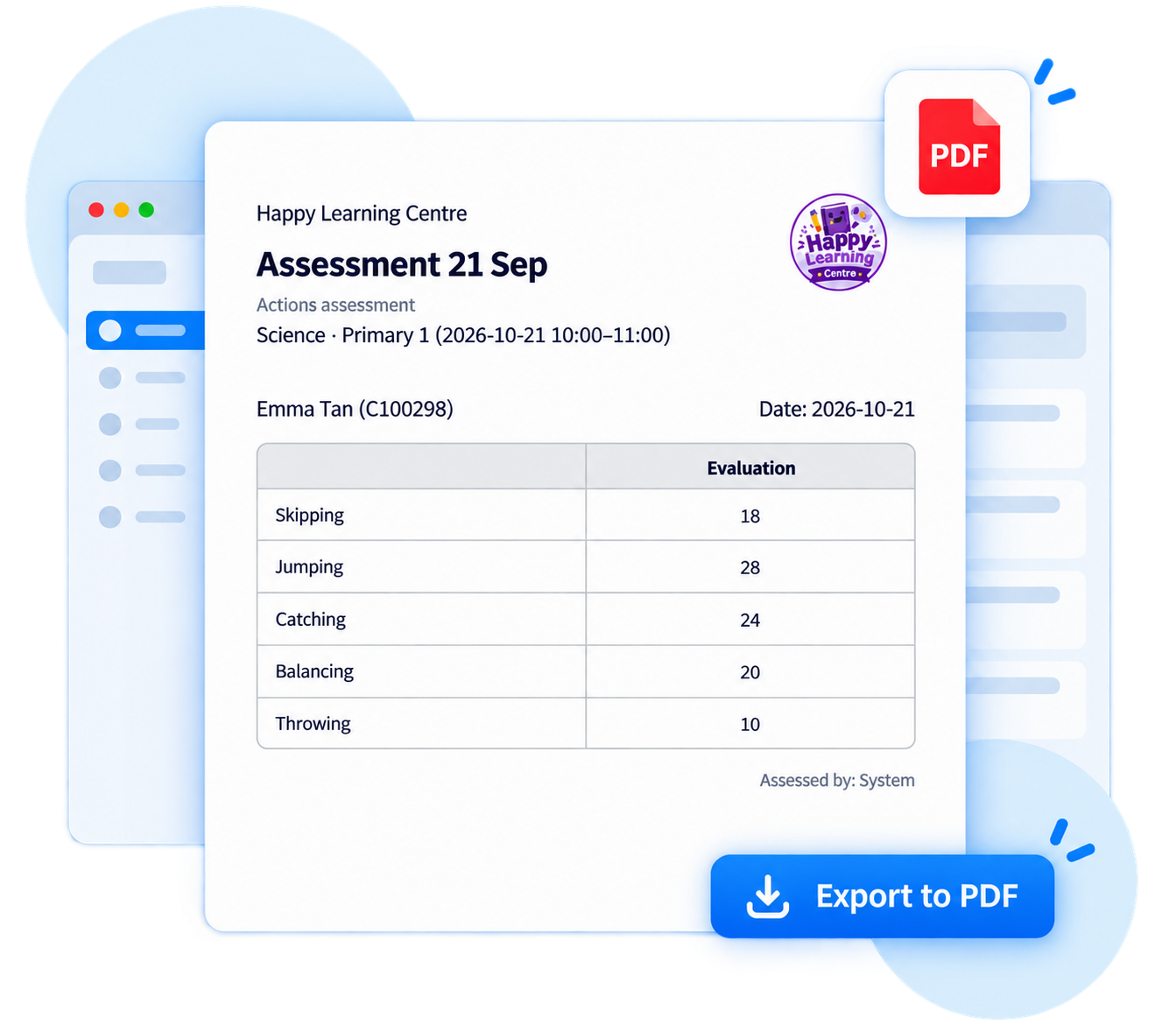
Export assessment results with one click, ready for grade promotions, exams, or parent meetings.

Yes. Centers can set up assessment templates by subject or skill area, and teachers enter numerical scores after each lesson to build a quantified, ongoing record of performance—suited to tuition classes, piano, dance, and other enrichment courses.
Yes. Centers can create their own templates for different courses and skills, such as scoring by subject or unit, or by finger dexterity, musicality, and other criteria. Each template tracks scores across multiple sessions over time, making progress easy to follow.
Yes. Once a teacher submits scores, parents and students can view all past assessment records anytime in the Student App, so progress is clear without waiting for a teacher update.
Yes. Centers can export assessment results as a dedicated PDF report with one click, ready for grade promotions, exams, or parent meetings.
Streamline your education business here. Whether you are private tutors or owner of multiple educational institutions, we have all the features you need.
