


Manage schedules, rescheduling, lesson journals, and time tracking from one mobile app.
Give teachers everything they need: live schedules, instant rescheduling, lesson journals, and accurate clock-in/out records.
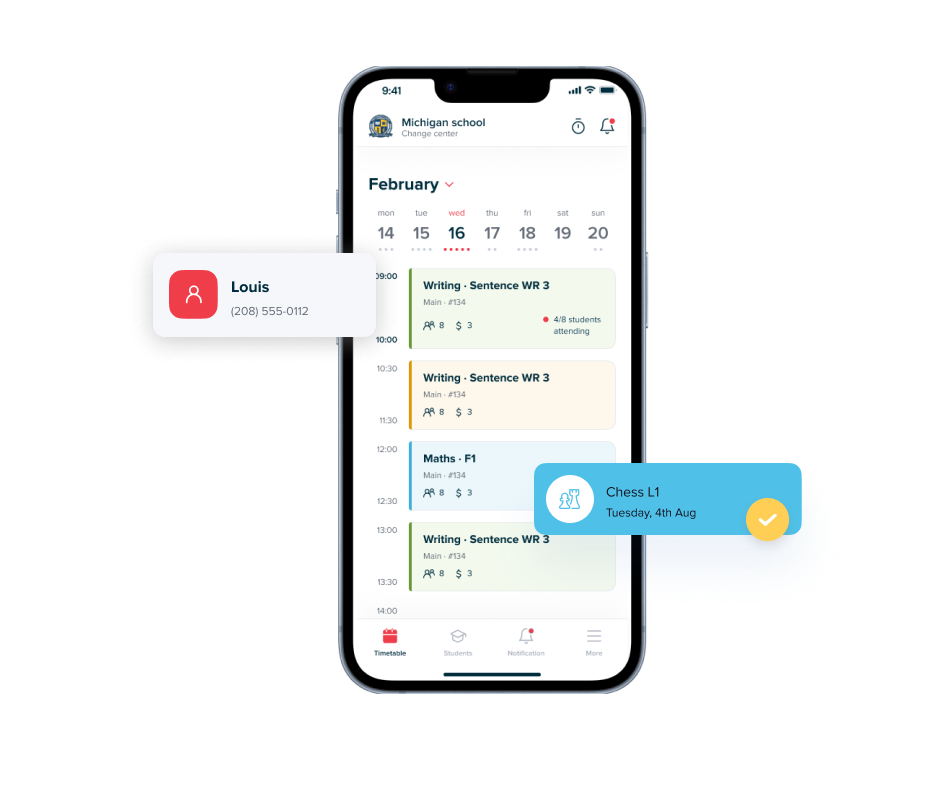
With this app, teachers can effortlessly access their class schedules, monitor student attendance, review leave records, and stay informed about makeup class arrangements. Whether you're in the classroom or on the move.
Handle last-minute make-up or date changes while commuting, between classes, or from home.
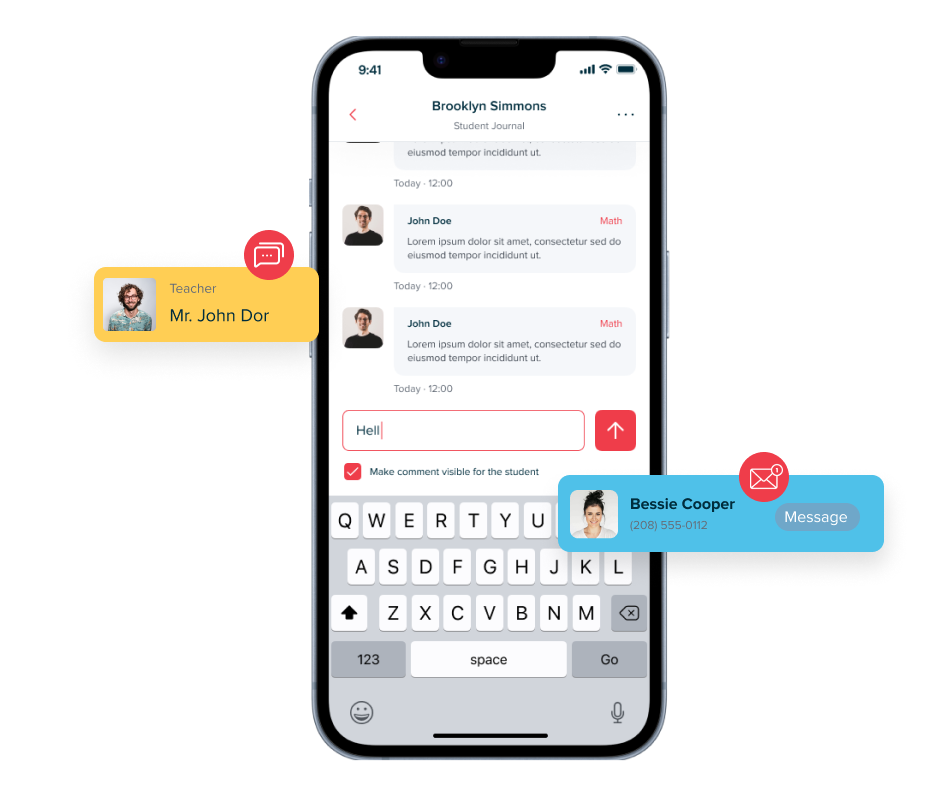
SchoolTracs teacher mobile app empowers teachers with the ability to conveniently provide remarks on student learning progress directly from their mobile devices. It enables teachers to offer timely and constructive feedback on student performance whether in the classroom or on the go.
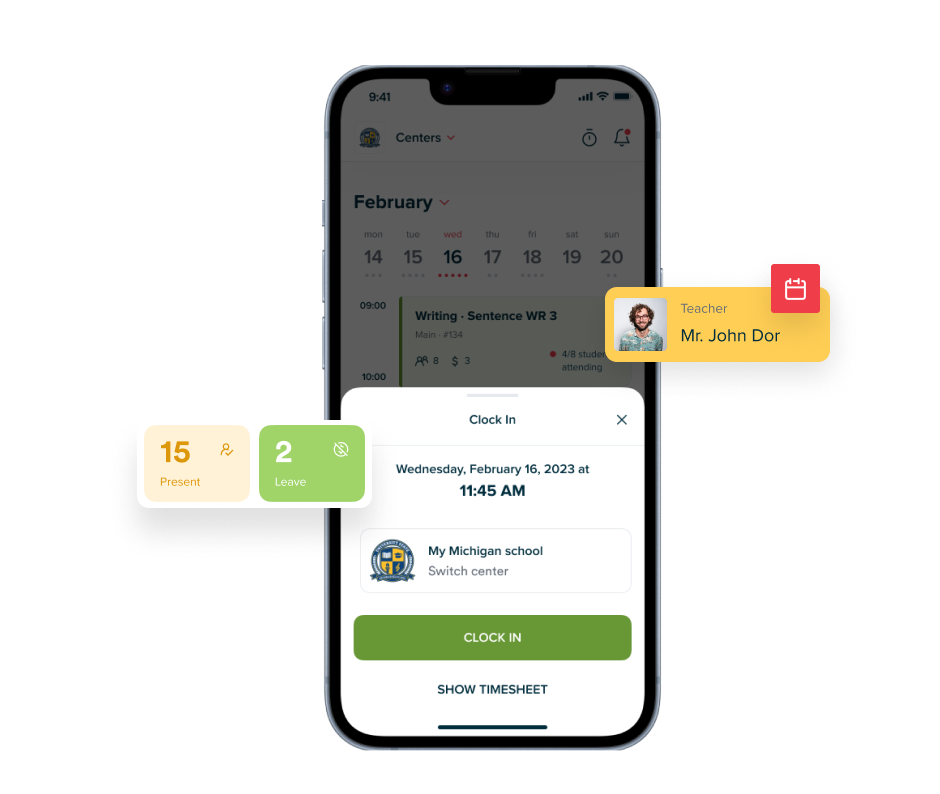
With its clock-in and clock-out feature, teachers can easily clock in and clock out right from their mobile device, eliminating the need for manual timesheets. Plus, rest assured that all clock-in and clock-out records are automatically saved and organized in detailed reports. Keep track of teachers' work hours effortlessly and access precise records whenever you need them.
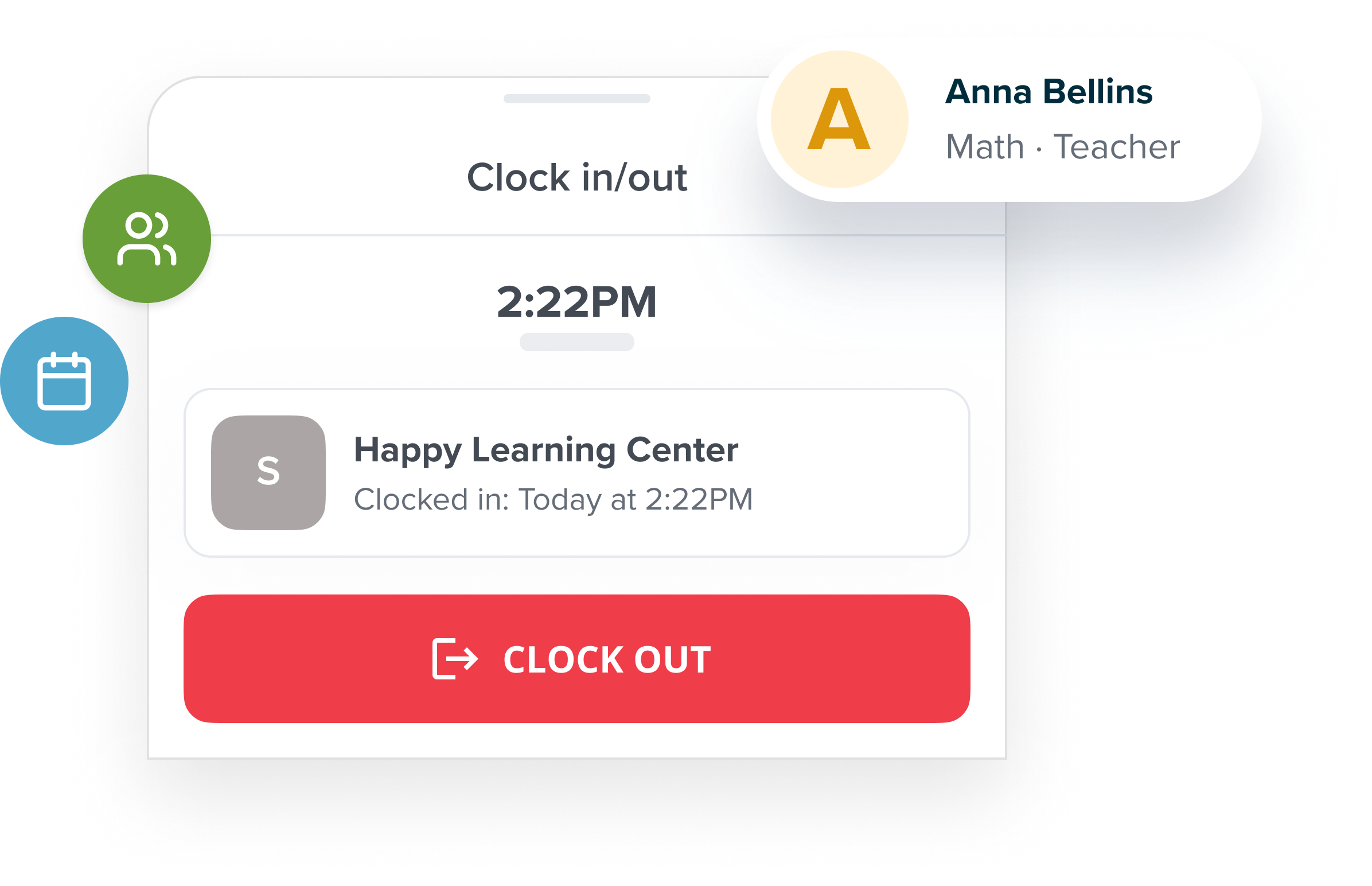

Teachers can view their class schedule, mark attendance, write lesson journals, manage make-ups, clock in and out, and access student notes — all from the app on their phone.
Yes. Teachers open the class in the app, then tap each student to mark them as present, absent, or late. The record updates in the admin system instantly.
Yes. The SchoolTracs Teacher App is available on both iOS and Android so teachers can use it regardless of their device.
Yes. Teachers can reschedule a lesson, move a student to a different class time, or create a make-up slot directly from the Teacher App, which is useful for handling last-minute changes on the go.
Yes. The Teacher App has a clock-in and clock-out feature that logs working hours. These records feed into payroll calculations, reducing manual timesheet management.
Streamline your education business here. Whether you are private tutors or owner of multiple educational institutions, we have all the features you need.
