


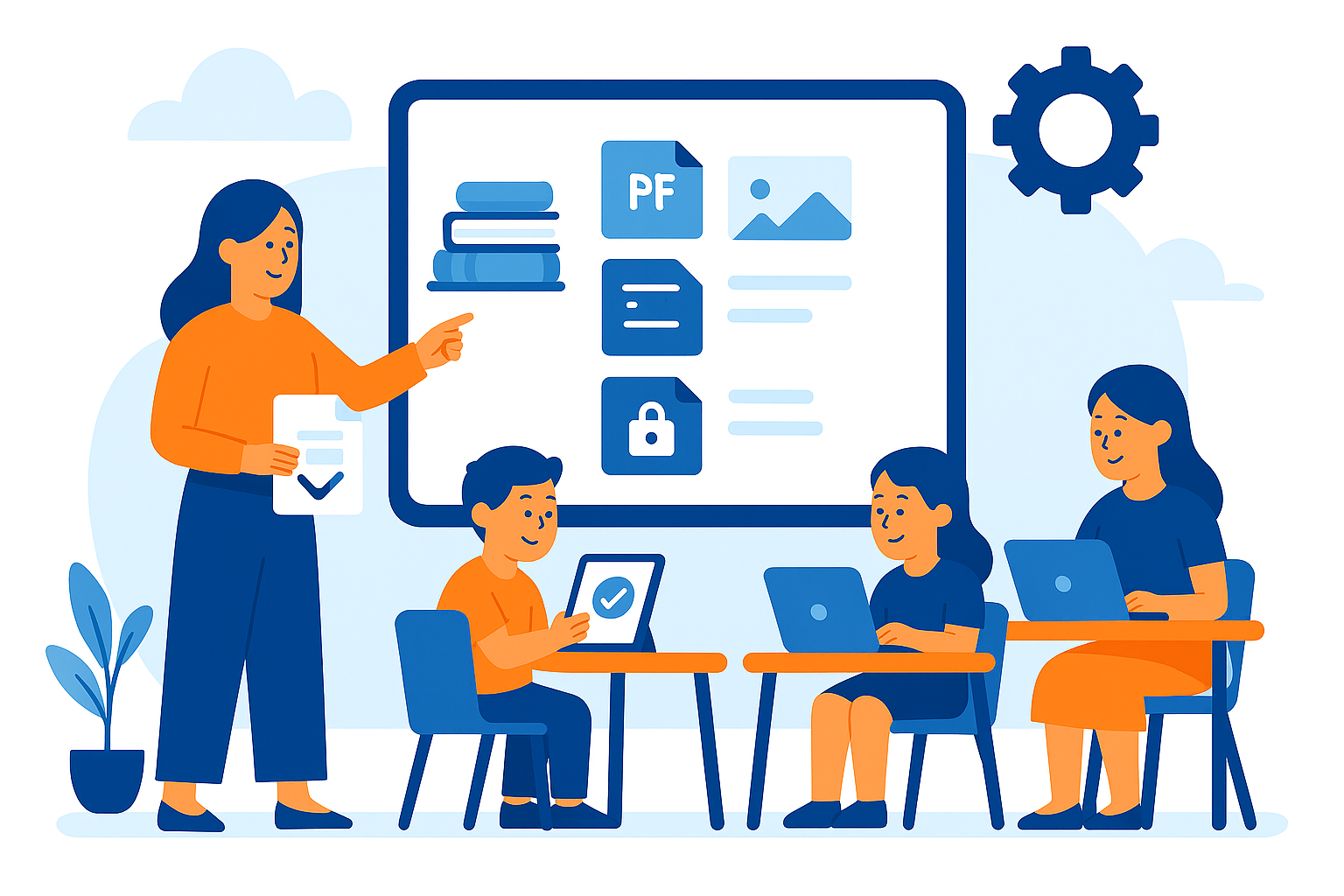
Managing lesson materials shouldn’t be a burden. With SchoolTracs’ updated Course Materials feature, you can now upload, organize, and share files more seamlessly than ever — ensuring the right students see the right materials at the right time.
📁 Keep All Materials Organized in One Place
SchoolTracs lets you manage every teaching file from a single system — no more scattered folders or missed updates.
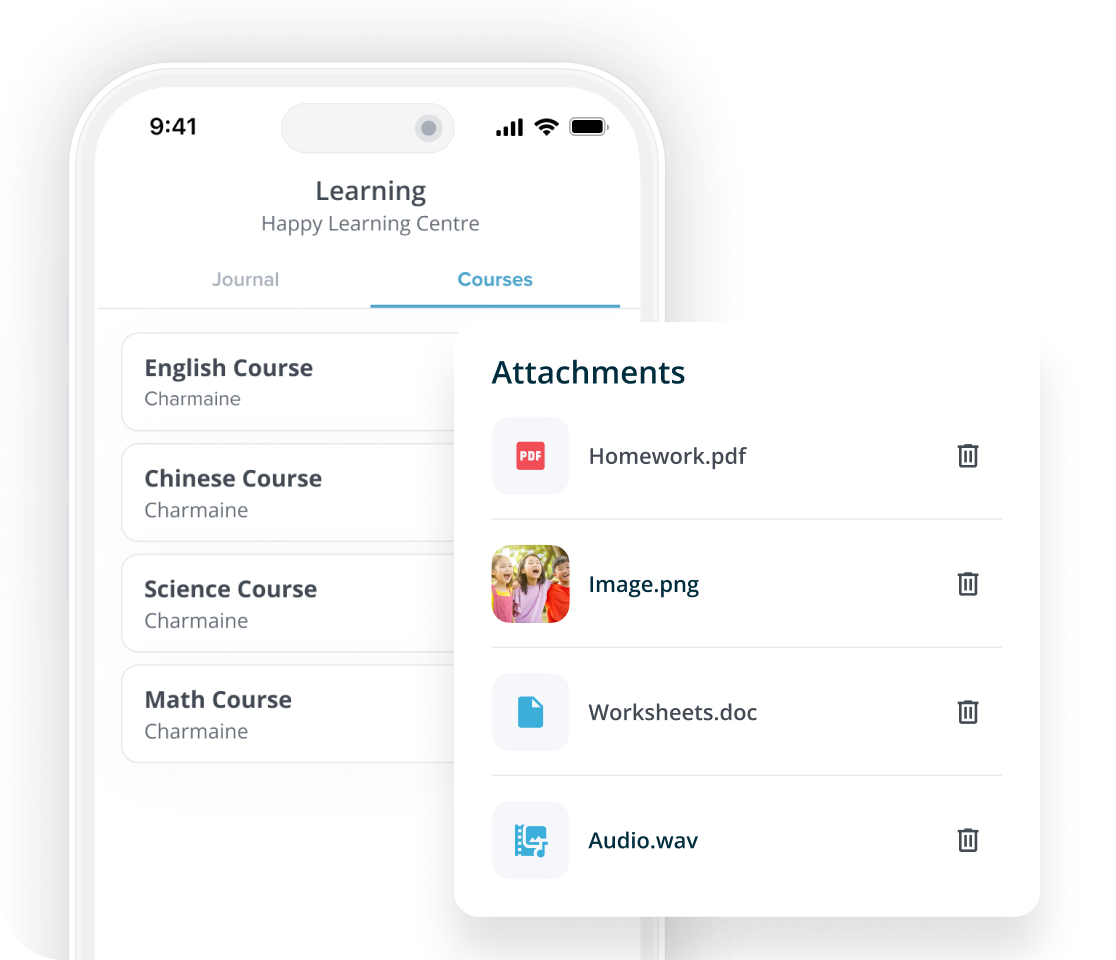
- Upload materials directly from the Course page — files are automatically grouped by course.
- Add files from the timetable — instantly visible to teachers and enrolled students.
- Update access anytime — perfect when attendance or enrolment changes.
📱 Simple Student Access
Students can easily find what they need, lesson by lesson.
- Students access materials by lesson — clearly organized and easy to follow.
- Instant access through the Student App.
- Only authorized students can view files — ideal for make-up lessons or late enrolments.
SchoolTracs is built to optimize daily operations for education centers — helping you issue invoices and receipts, store student records, create timetables, and more. SchoolTracs states that it has 450 subscribers across centre types including tutorial centers, preschools, music schools and dance studios.