We use cookies to make your experience better. By using SchoolTracs.com, you accept our cookie notice terms.

SchoolTracs logo

TIMETABLE MANAGEMENT

Always Accurate, Instantly Updated Timetable

From creating lessons to keeping teachers and students updated, SchoolTracs makes your timetable clear, flexible, and always accurate.

Start Free Trial
student-management

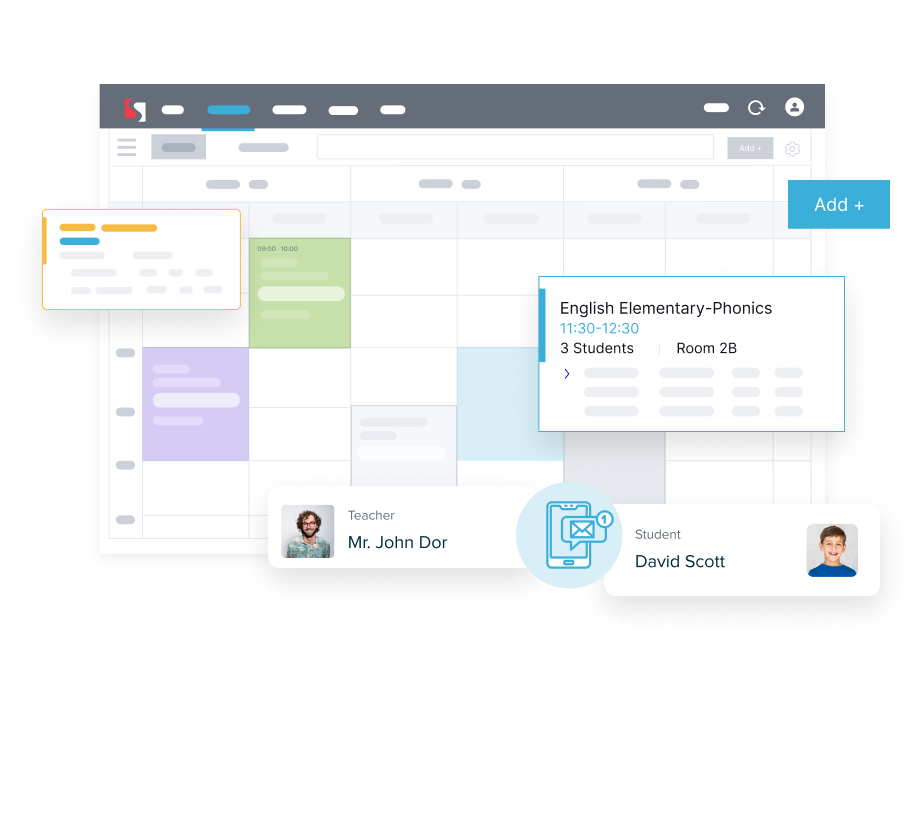
Fast Lesson Scheduling

Set up and adjust your timetable in just a few clicks.


  • Create short-term or repeating lessons effortlessly.
  • Drag-and-drop or quick-click to move or create lessons instantly.
  • Auto-skip holidays and delete individual lessons without affecting the rest.

Clear & Informative Timetable Views

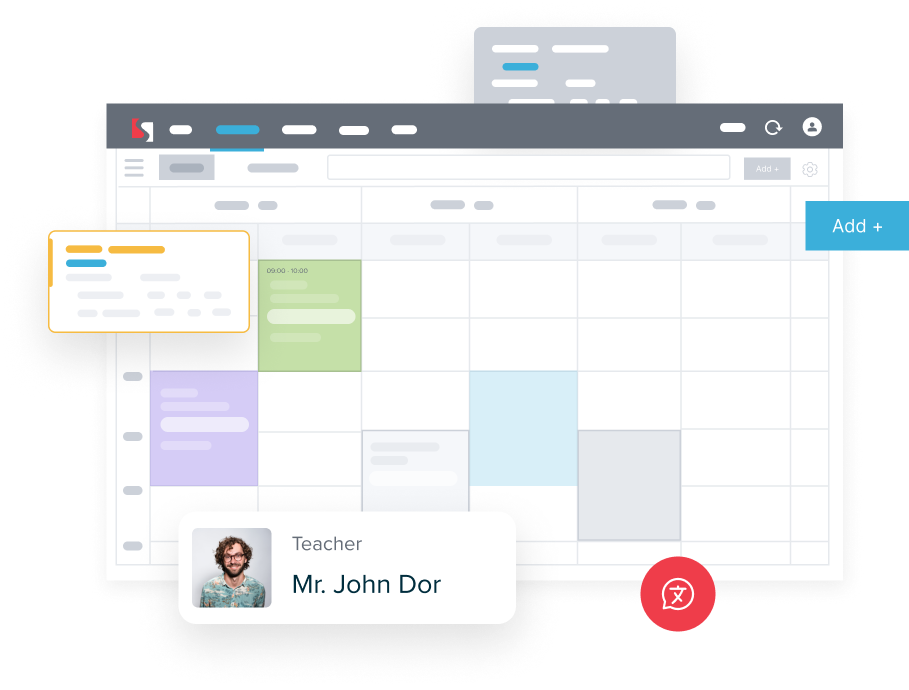
Everything you need at a glance for admins, teachers, and students.
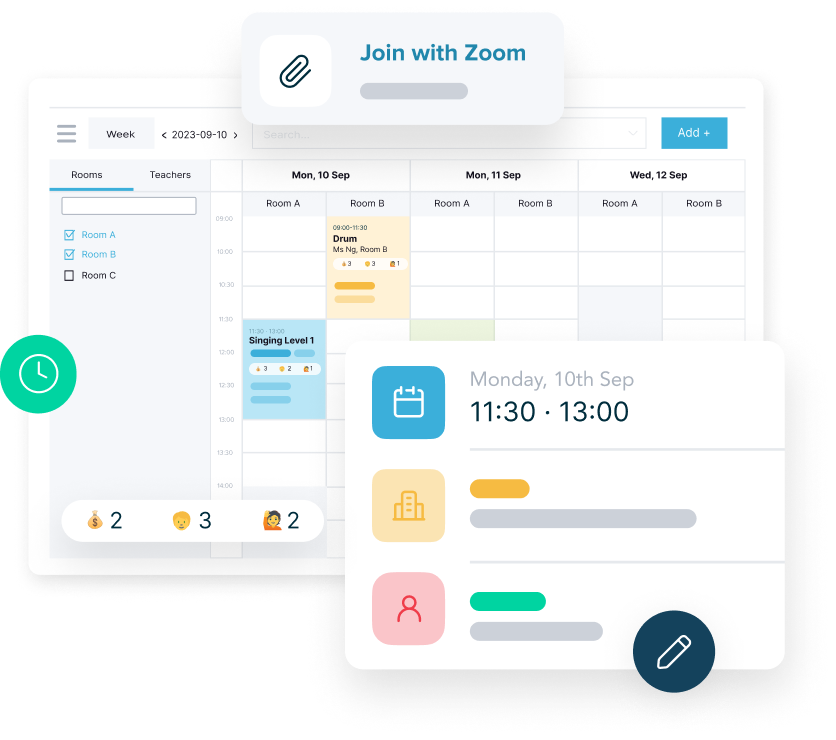

  • Each slot displays teacher, room, and student names across web and Teacher App.
  • Student names appear black when paid and red when unpaid, so admins know immediately.
  • Show each student's package end date, helping centres follow up on renewals.
student-management
student-management

Smart Conflict & Capacity Control

Prevent errors before they happen.


  • Automatically detect clashes when a teacher or room is already occupied.
  • Capacity checks ensure classes never exceed student limits.
  • View by teacher, student, or room, with search for fast lookups.

Instant Updates & Sync for Everyone

Schedules stay accurate the moment anything changes.
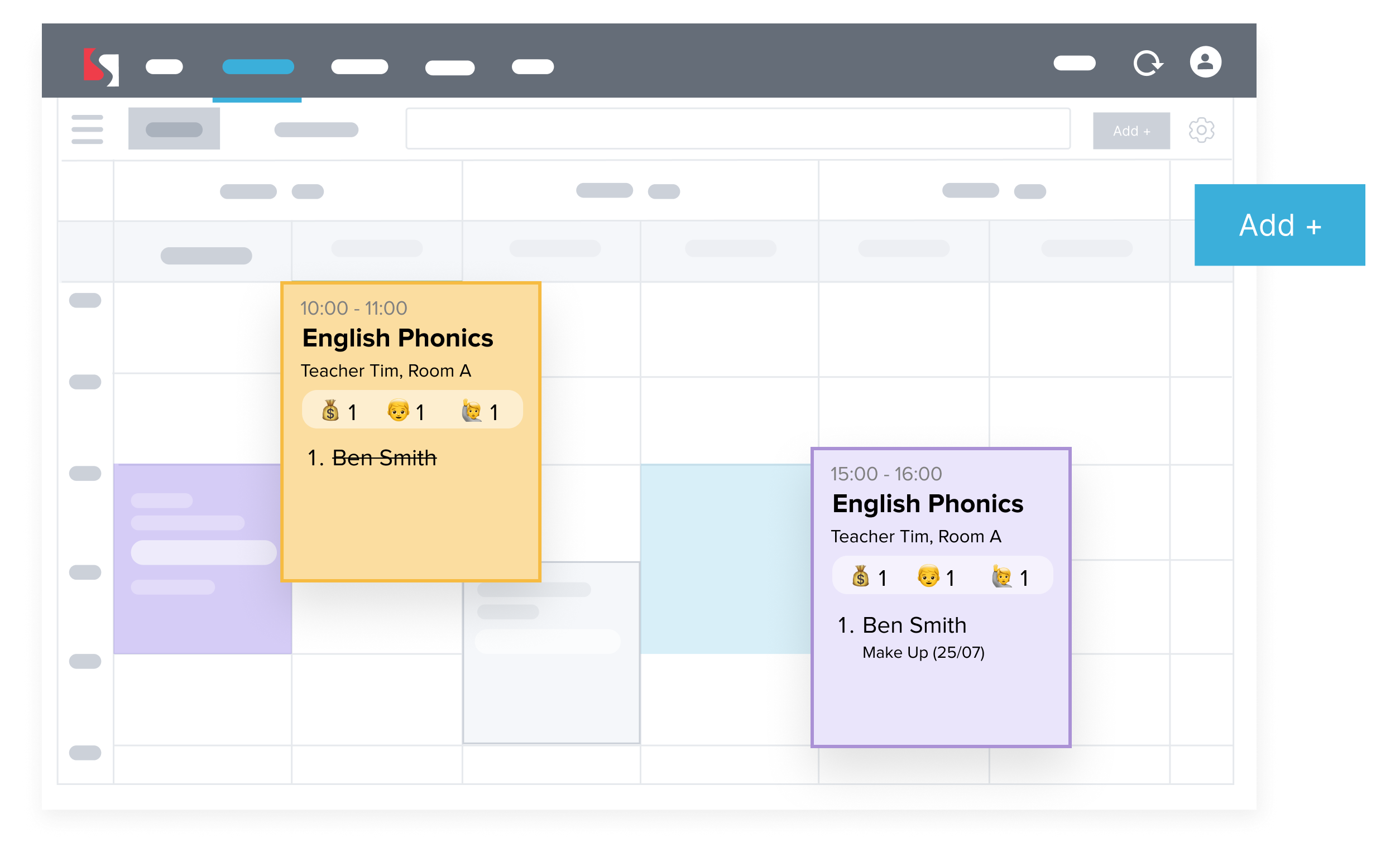

  • When a student pays, their enrollment appears instantly, no extra steps, no duplication.
  • Teachers always see the latest schedule via the Teacher App or ICS calendar sync.
  • Students receive timely reminders and can check their upcoming lessons anytime.
student-management

Frequently Asked Questions

How do I set up a recurring class timetable in SchoolTracs?

SchoolTracs lets you create repeating class schedules using a drag-and-drop timetable. Set the day, time, teacher, and room once, and the system generates all future sessions automatically.

Does SchoolTracs automatically skip public holidays?

Yes. When you mark a date as a public holiday, SchoolTracs automatically removes lessons on that day and adjusts billing so students are not charged for cancelled sessions.

Can SchoolTracs detect timetable conflicts automatically?

Yes. When assigning a teacher or room, SchoolTracs checks live availability and flags any conflicts before you save, preventing double-bookings across sessions.

Can teachers see their class schedule on mobile?

Yes. Teachers access their full class schedule through the SchoolTracs Teacher App on iOS or Android. The timetable updates instantly whenever a change is made in the admin system.

Can I set a maximum class capacity in SchoolTracs?

Yes. You can set a maximum student count per class. SchoolTracs will stop accepting enrolments once the cap is reached, preventing oversubscribed sessions.

Start trial

Streamline your education business here. Whether you are private tutors or owner of multiple educational institutions, we have all the features you need.