


MERCHANDISE & MATERIALS INVENTORY
Connect sales to inventory so every course material or merchandise item sold updates stock automatically. Keep stock transparent, replenish with certainty, and prevent stockouts.
Start Free Trial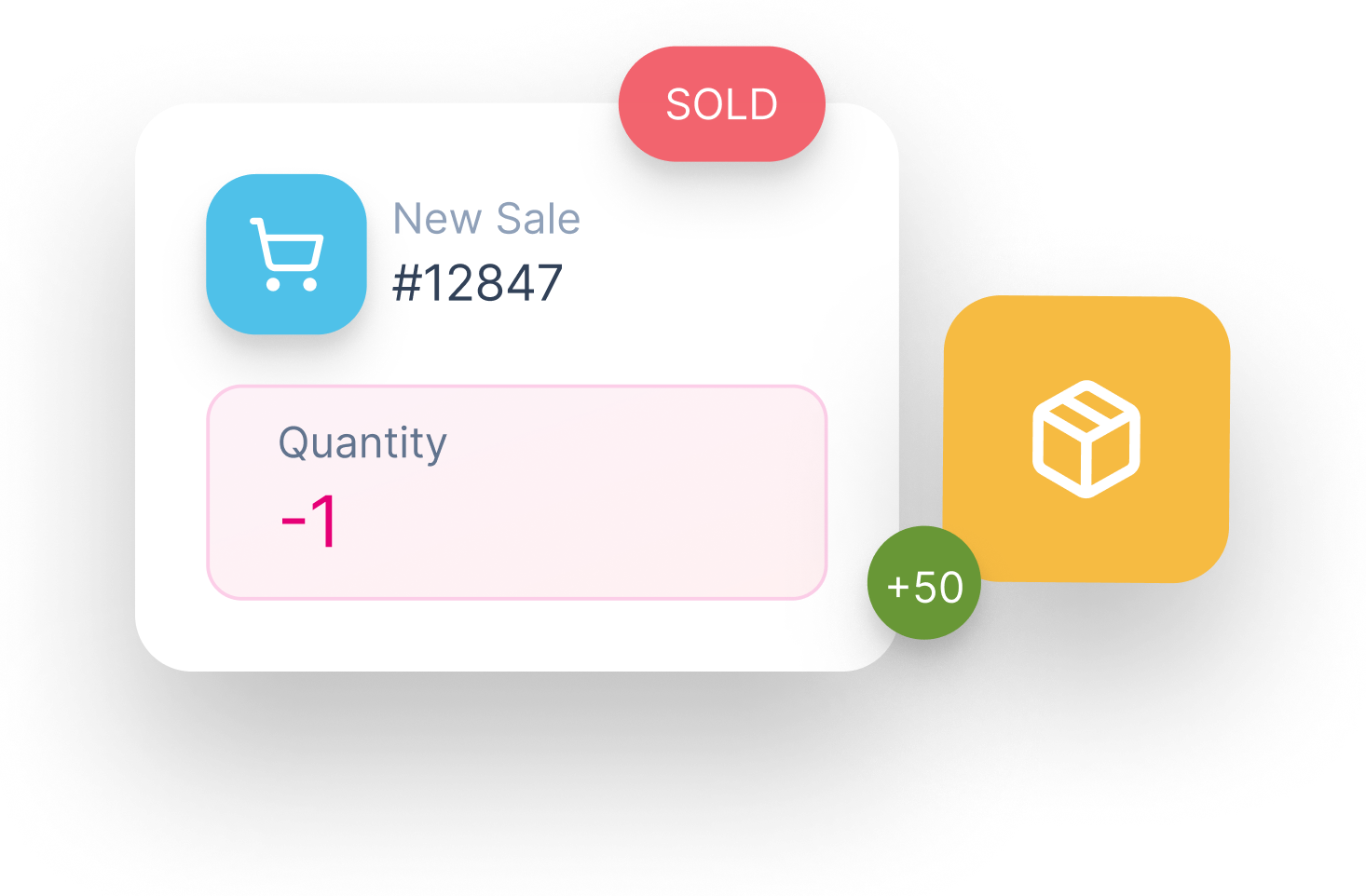
Every sale updates quantity instantly.
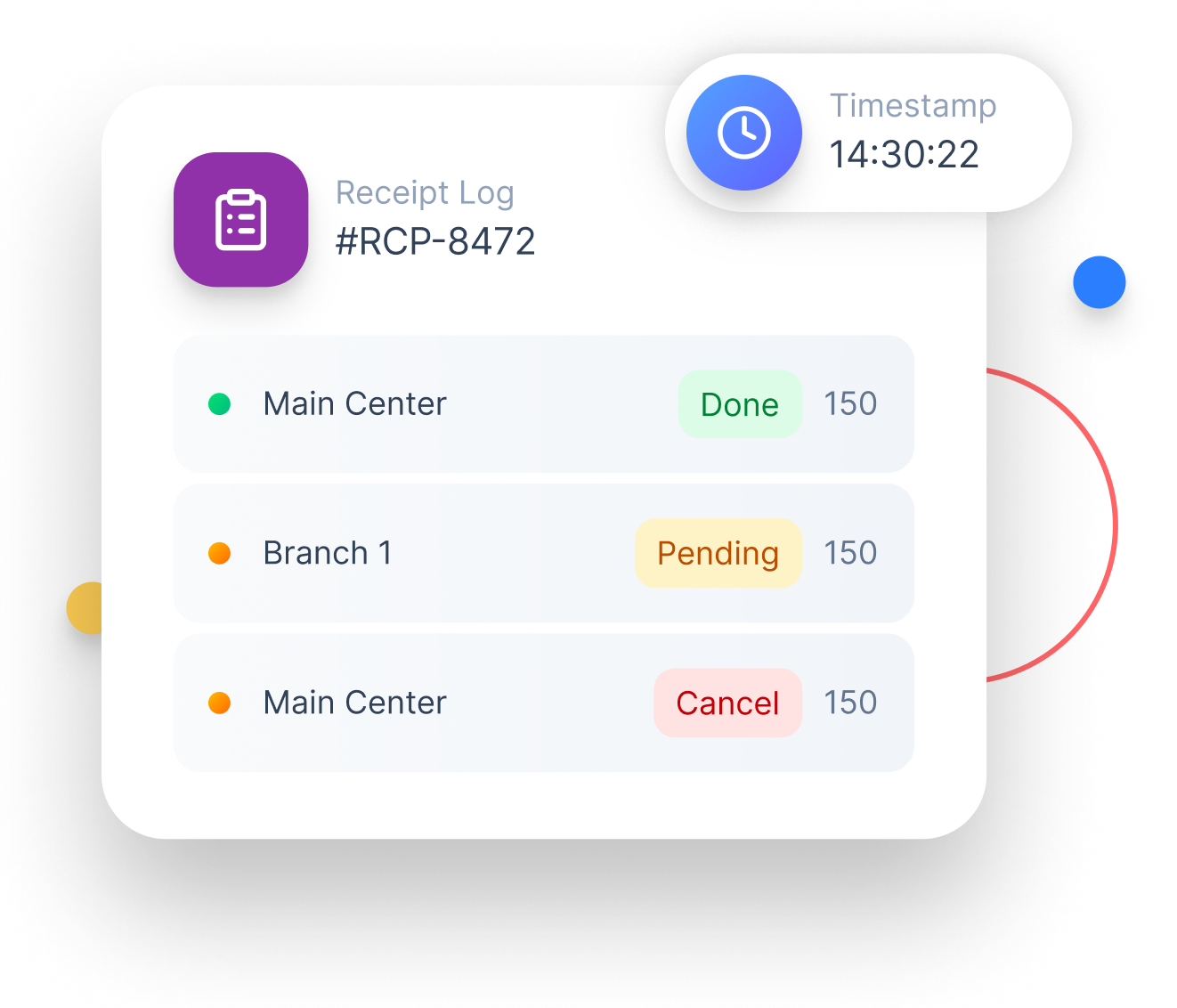
Receive stock and keep a clear audit trail.
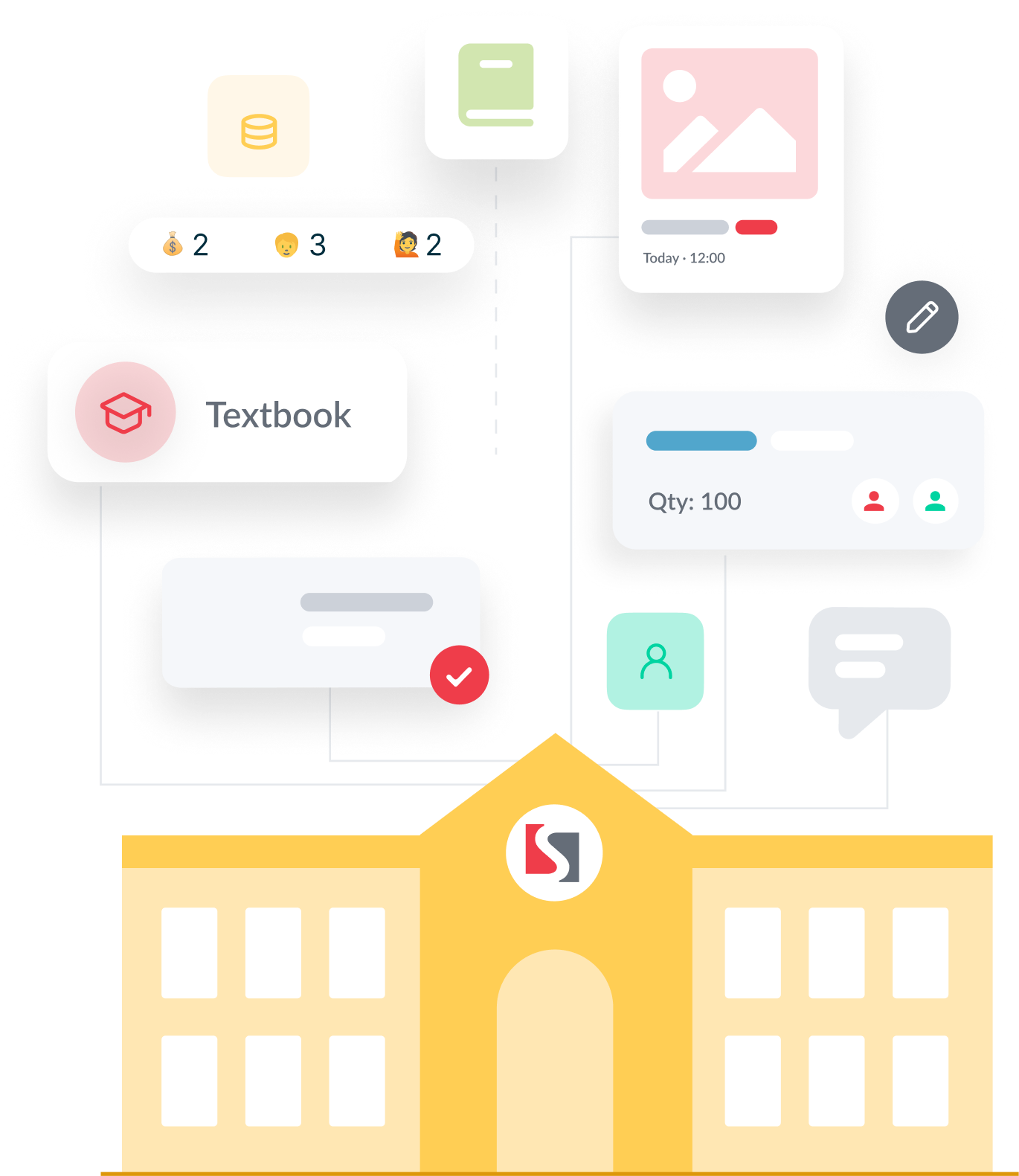
Move inventory seamlessly between locations.

Yes. SchoolTracs includes inventory management for course materials, merchandise, and supplies, deducting stock automatically every time an item is sold through the POS or linked to an invoice.
Yes. Once an item's quantity reaches zero, SchoolTracs automatically stops it from being sold, preventing overselling without requiring manual stock monitoring.
When you receive new stock, you log the replenishment in SchoolTracs with the item, quantity, and timestamp. The system keeps a searchable record of every stock receipt for audit purposes.
Yes. HQ can create a stock transfer to a branch. The branch receives the transfer notification, confirms the quantity received, and stock levels update in both locations automatically.
Streamline your education business here. Whether you are private tutors or owner of multiple educational institutions, we have all the features you need.
