We use cookies to make your experience better. By using SchoolTracs.com, you accept our cookie notice terms.

SchoolTracs logo

TEACHER MOBILE APP

Teach, schedule, and track in one app

Schedules, make-ups, journals, and time tracking together.

Start Free Trial
student-management

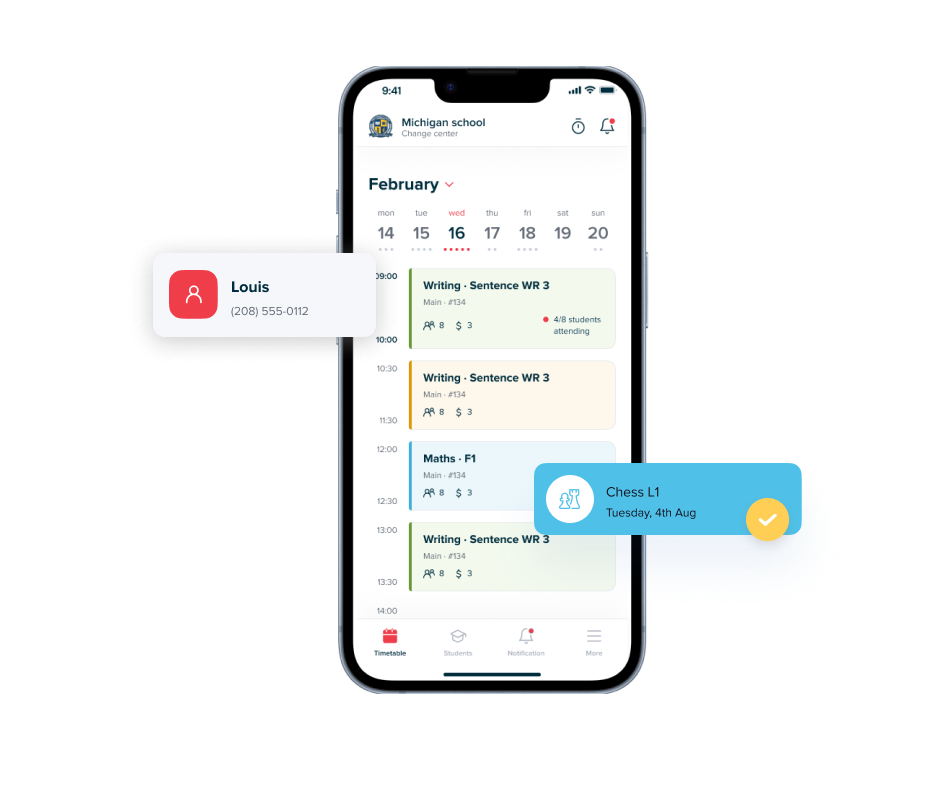
Schedules and attendance in one view

See today's classes, attendance notes, and make-up status at a glance.


  • Check roster, check-ins, and absences before class.
  • See leave notes and who can book make-ups.
  • Track make-ups to keep each session balanced.

Reschedule anytime, anywhere

Handle last-minute changes wherever you are.
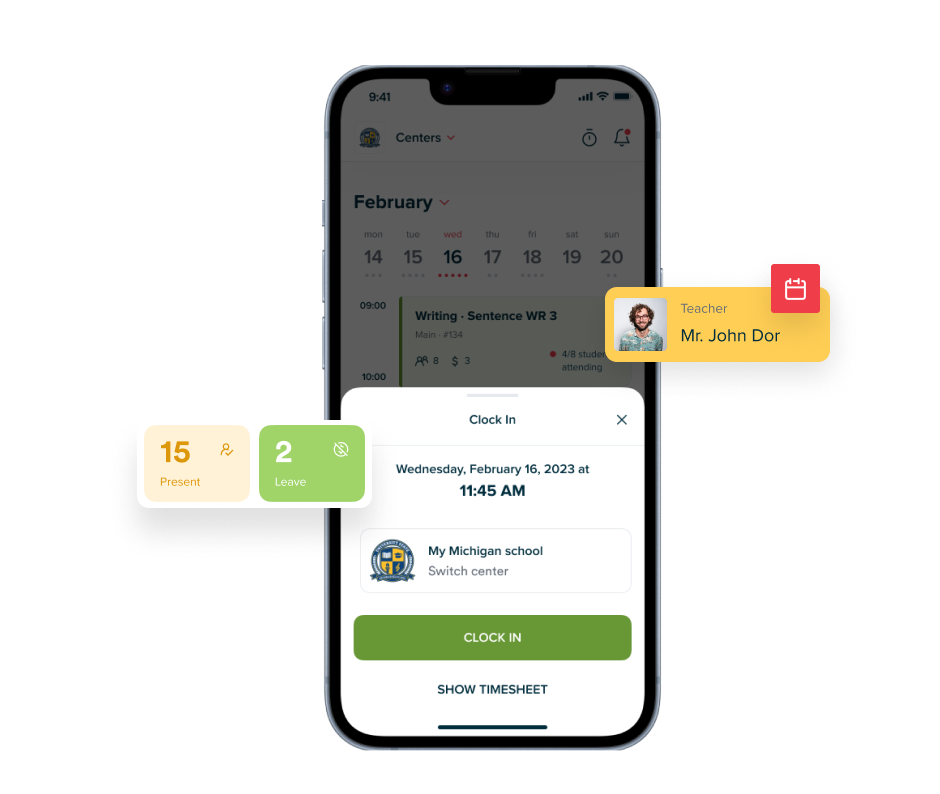

  • Move students to upcoming classes or add a quick make-up slot.
  • Reschedule a whole class once so everyone sees the update instantly.
  • Set permissions so teachers only edit when allowed.
reschedule-lesson
journal-notes

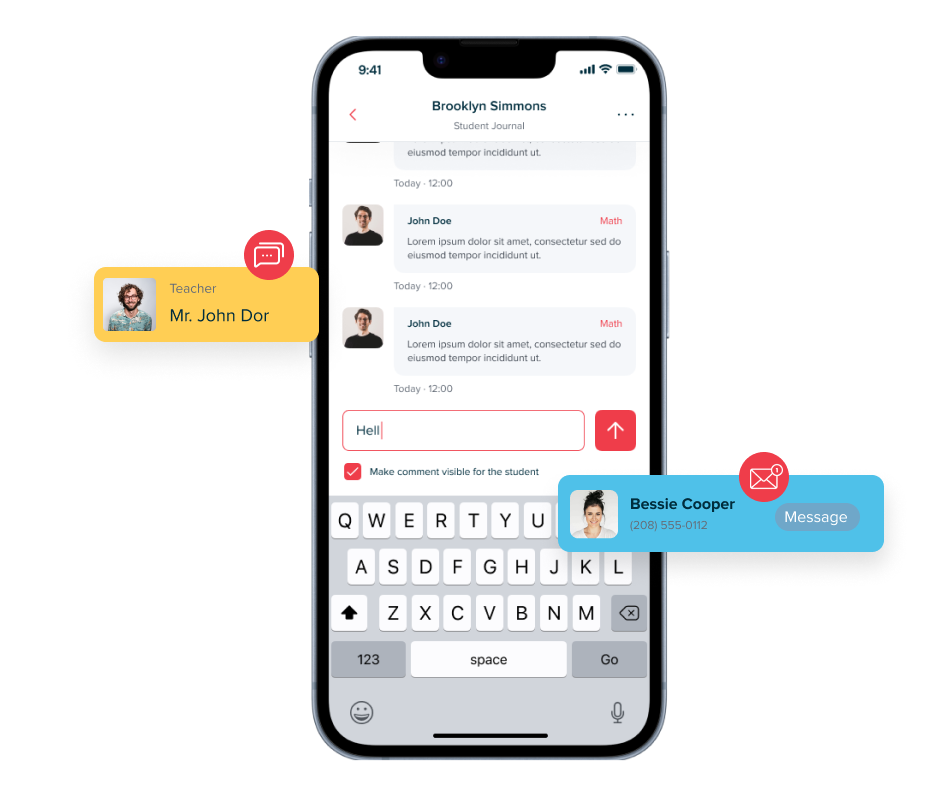
Capture lesson journals on the go

Note progress during or after class so it's always visible.


  • Capture structured feedback while it's fresh.
  • Share key notes with coordinators and parents.
  • Revisit past remarks to plan the next lesson.

Clock in and out with one tap

Log start and end times from your phone—no paper timesheets.
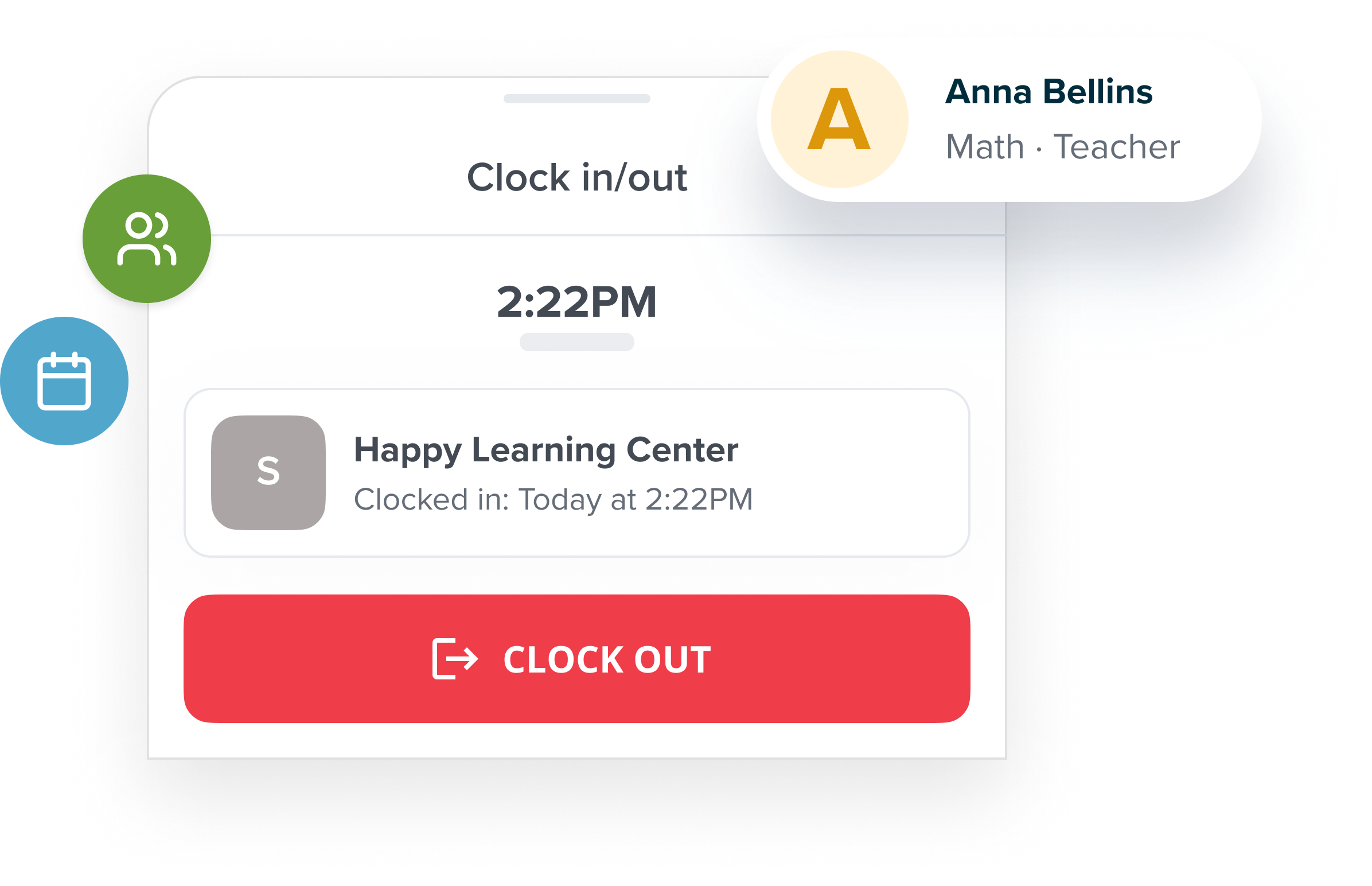

  • Tap to clock in and out when you arrive and leave.
  • Keep every entry in reports for payroll and audits.
  • Match time logs to scheduled classes automatically.
clock-in-clock-out

Frequently Asked Questions

What can teachers do in the SchoolTracs Teacher App?

Teachers can view their class schedule, mark attendance, write lesson journals, manage make-ups, clock in and out, and access student notes — all from the app on their phone.

Can teachers mark attendance using the Teacher App?

Yes. Teachers open the class in the app, then tap each student to mark them as present, absent, or late. The record updates in the admin system instantly.

Does the SchoolTracs Teacher App work on both iOS and Android?

Yes. The SchoolTracs Teacher App is available on both iOS and Android so teachers can use it regardless of their device.

Can teachers manage make-ups and reschedule lessons from the app?

Yes. Teachers can reschedule a lesson, move a student to a different class time, or create a make-up slot directly from the Teacher App, which is useful for handling last-minute changes on the go.

Can teachers clock in and out for payroll tracking via the app?

Yes. The Teacher App has a clock-in and clock-out feature that logs working hours. These records feed into payroll calculations, reducing manual timesheet management.

Start trial

Streamline your education business here. Whether you are private tutors or owner of multiple educational institutions, we have all the features you need.