


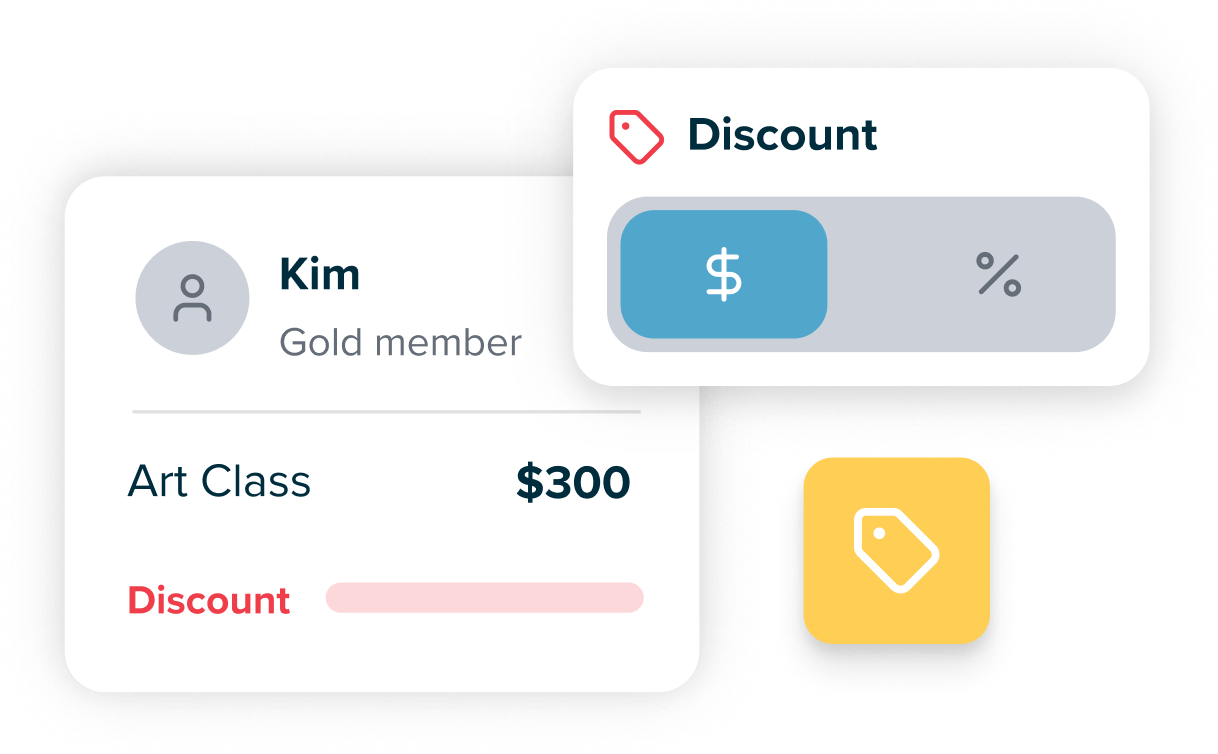
A community centre may offer the same paid class to members and non-members. If staff calculate the member price from memory, a renewal or excluded item can lead to inconsistent charges. SchoolTracs supports membership types and configured automatic discounts on eligible new orders. The following illustrative example uses a “Community Member” type and 10% off selected class items; it is not a customer offer.
Who qualifies when membership dates differ?
A regular attendee renews their membership, while another person books a class shortly before their membership ends. Before changing a price, staff need to know which membership belongs on each student’s record and whether its dates are correct.
- Assign the membership type. Use a defined type such as Community Member on the student profile. A familiar name or previous attendance is not a substitute for checking that record.
- Record the relevant dates. Memberships can have start and end dates, or remain permanent when the date fields are left empty. Check the recorded validity when handling renewals.
- Keep the two date ranges distinct. A member’s validity dates and a discount’s active period are separate settings. Test your policy for orders near expiry rather than assuming that renewing membership also changes the discount rule.
How would 10% off selected classes be configured?
The centre wants the example discount to apply to selected class items, while other items retain their normal price. Configure the rule once, then check a member and non-member booking before staff use it routinely.
- Set the value and items. In discount settings, choose a percentage or fixed amount and the eligible products. For this example, select 10% and only the intended class items.
- Choose the audience and dates. Target the Community Member membership type and set the discount period. Specify whether the rule uses the purchase date, billing date or lesson date; these can differ when a class is booked ahead.
- Check new orders. The configured rule applies automatically to eligible members’ new orders. Verify the result for an eligible booking and an excluded item; do not assume the rule rewrites earlier sales.
What should reception check before issuing the receipt?
A member asks why two bookings cost different amounts. A clear discount description and the underlying order details give staff a starting point for explaining the difference.
- Use a clear description. The discount description appears on invoices and receipts. Describe the member offer so the payer can understand which reduction was applied.
- Review the actual order. Check the membership, eligible item, relevant dates and applied discount together. An item outside the selected offer should not be treated as discounted just because the buyer is a member.
- Test exceptions before rollout. Try a non-member order, a booking near membership expiry and an item outside the offer. Use the member-discount setup guide to review any unexpected result before changing the rule.