



Matching transfer screenshots to students, chasing reference numbers and writing receipts by hand all add reconciliation work. Tuition centres can instead combine bank-transfer QR codes such as FPS in Hong Kong and PayNow in Singapore with card, e-wallet and front-desk POS payments.
This guide compares their fees, convenience and reconciliation workflow, then shows how SchoolTracs records each payment against the relevant invoice.
Tuition payment methods at a glance
| Method | Convenience | Reconciliation |
|---|---|---|
| FPS or PayNow QR | Low-friction bank transfer | Usually requires payment confirmation |
| Integrated payment link | Parents pay from an invoice | Can update the invoice automatically |
| Card or e-wallet at POS | Useful at the front desk | Record against the invoice at checkout |
| Cash or cheque | Familiar but manual | Needs careful daily closing |
What is the simplest way to collect fees without extra charges?
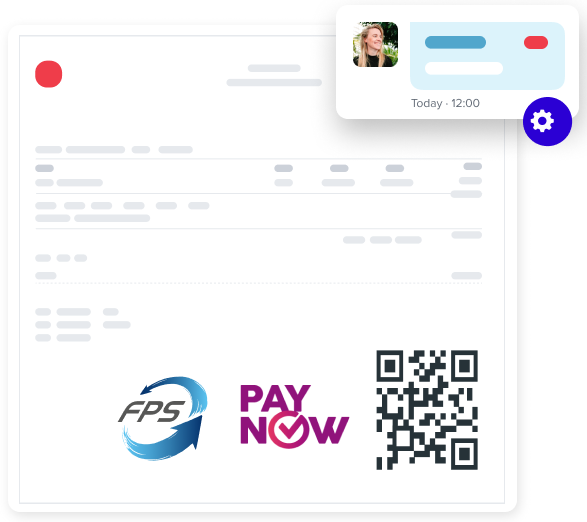
The lowest-cost option is a static QR code printed directly on the invoice. Parents open their mobile banking or e-wallet app, scan, and the money lands in your account — no payment gateway, no platform fees, and no technical integration required.
- Supports FPS (Hong Kong) and PayNow (Singapore) static QR codes.
- Recipient details and the payment amount are preset in the code, which sharply reduces input errors and mistyped transfers.
- No extra platform fees — you keep the full fee amount.
The trade-off: because a static code is a direct bank transfer, staff still confirm receipt and mark the invoice paid. For small centres or those that want zero transaction fees, that is often a fair exchange.
How does integrated PayNow payment work in Singapore?
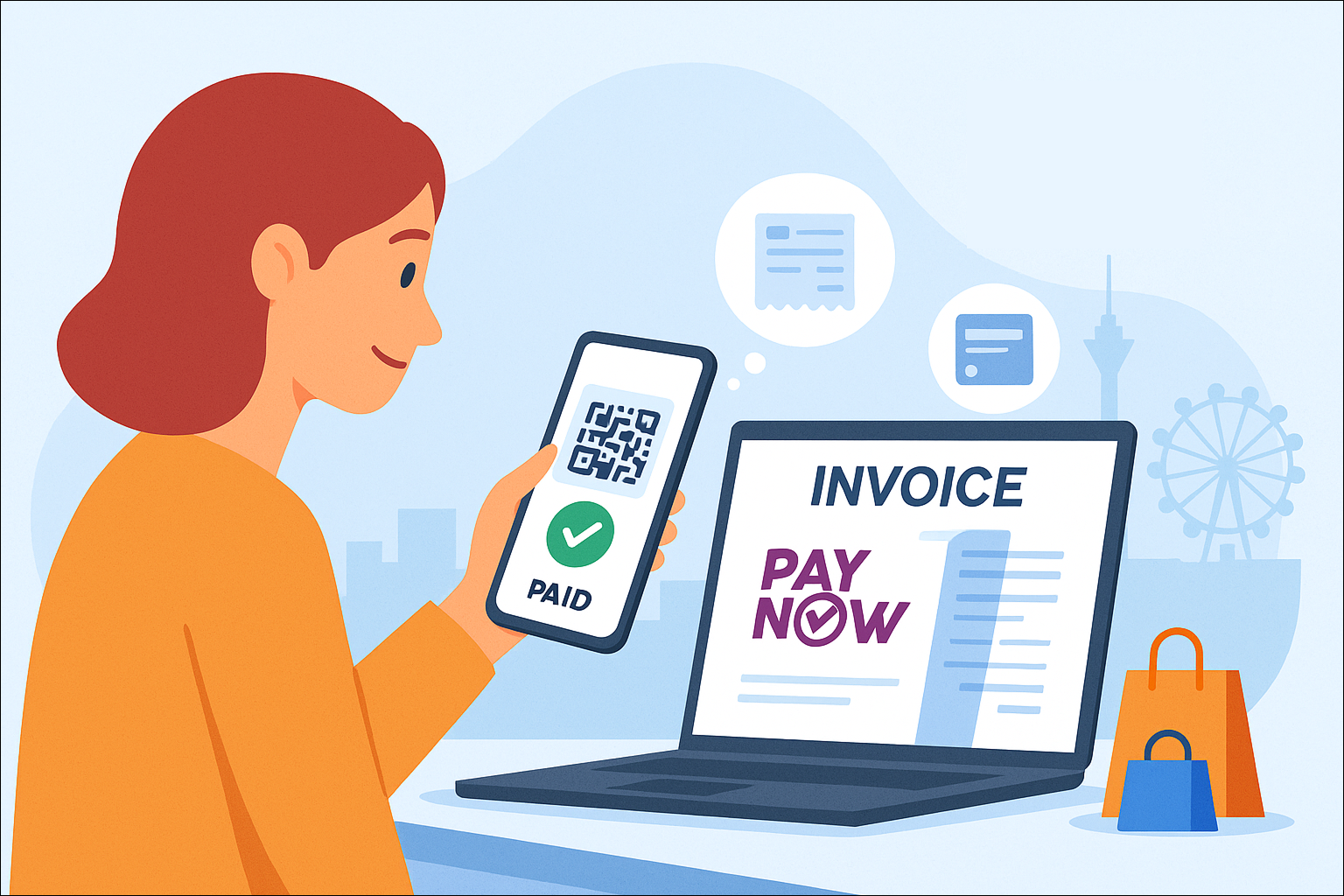
Singapore centres can go one step further with PayNow integrated payment, provided in partnership with HitPay. Parents simply scan the QR code on their invoice to pay, and SchoolTracs automatically marks the invoice as paid and issues a receipt — no manual updates required.
- Scan and pay instantly — no need to enter amounts or recipient details.
- Receipts are issued automatically, and payment status updates in real time.
- The HitPay partnership also supports GrabPay and other methods.
- Seamless integration with invoices and payment notifications.
This is the option to choose when the reconciliation workload matters more than the gateway fee: the invoice, the payment and the receipt stay linked without anyone touching them.
How can parents pay by card, PayMe, Alipay or WeChat Pay?
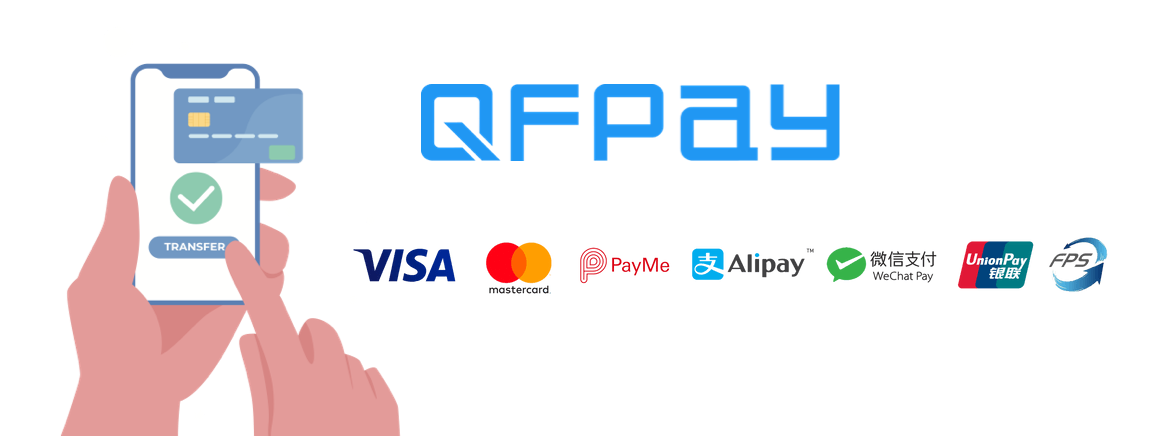
Some families prefer cards or e-wallets over bank transfers, and international parents may not use FPS or PayNow at all. For them, SchoolTracs integrates with the payment gateway QFPay, opening up an impressive array of options in one connection:
- Globally recognised cards: Visa, Mastercard and UnionPay.
- Popular mobile wallets: PayMe, Alipay and WeChat Pay.
- The Fast Payment System (FPS) for local Hong Kong transfers.
Payments run through two convenient channels — the SchoolTracs mobile app or the online store — so parents can settle fees from home instead of queuing at the front desk. Gateway fees are set out in your QFPay merchant agreement, and there are no hidden setup fees for the integration. All payment gateway credentials are configured in one place under Settings, so switching or adding a gateway doesn't mean hunting through separate menus.
What about payments taken at the front desk?
Plenty of parents still pay in person, and that is where SchoolTracs POS takes over. Instead of writing receipts and updating class lists manually, the POS workflow does three things automatically:
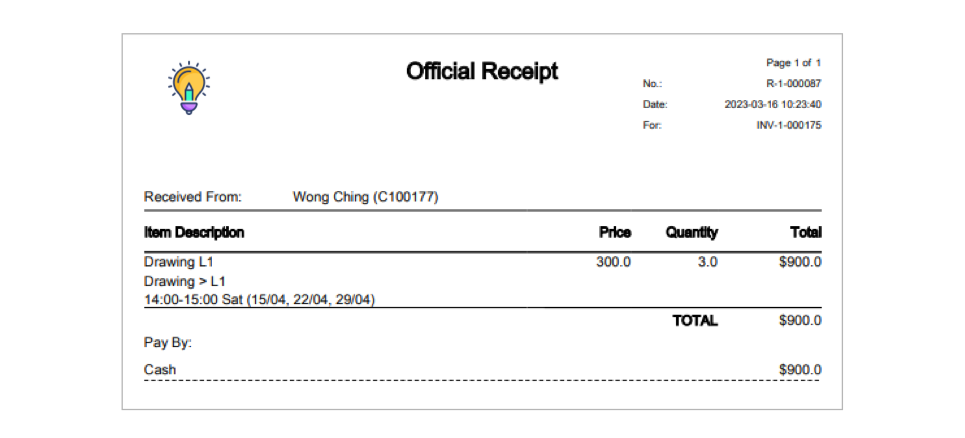
- Effortless receipt generation: invoices and receipts are generated automatically for every student payment, keeping financial records accurate without manual invoicing or receipt tracking.
- Automatic timetable updates: as soon as an invoice is paid, the student's name appears on the timetable list instantly, so schedules stay accurate in real time with no manual editing.
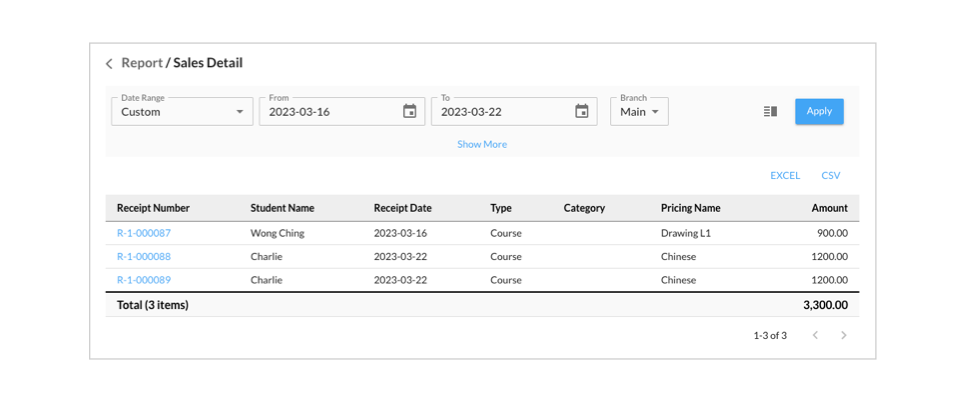
- Daily sales reports: administrators get a comprehensive report of all payments made during the day, making it easy to track revenue and spot trends without manual sales tracking.
Which payment method should your centre choose?
In practice, most centres don't choose one — they combine two or three:
- Cost-sensitive centres start with a static FPS or PayNow QR code on invoices: zero platform fees, works with every local banking app.
- Admin-light centres in Singapore add integrated PayNow via HitPay so paid invoices reconcile themselves.
- Centres with card and wallet users connect QFPay so parents can pay by Visa, Mastercard, UnionPay, PayMe, Alipay, WeChat Pay or FPS through the app or online store.
- Every centre keeps the POS for walk-in payments, with auto-generated receipts, instant timetable updates and daily sales reports.
Because all of these methods post against the same SchoolTracs invoice, the payment method a parent chooses stops mattering to your bookkeeping — every dollar is traceable to a student, a lesson and a receipt. Sales tax, where it applies, can also be overridden per item rather than forced to one global rate, so a mixed catalogue of taxable products and tax-exempt tuition still invoices correctly.
One more decision sits upstream of payment methods: how you price lessons in the first place. If you're weighing fixed term fees against lesson counts or visit packages, see our guide to term-based, per-lesson and per-visit billing — the billing model determines what the invoice looks like before any QR code goes on it.
Frequently asked questions
What is the easiest way for parents to pay tuition fees?
Scan-to-pay QR codes on the invoice are the lowest-friction option. In Hong Kong parents pay by FPS; in Singapore by PayNow. With an integrated gateway the invoice is marked paid and a receipt is issued automatically.
Do I need a payment gateway to accept FPS or PayNow?
No. SchoolTracs can print your own static FPS (Hong Kong) or PayNow (Singapore) QR code on invoices with the recipient and amount preset, so parents pay from their banking app with no platform fees and no technical integration.
Which payment methods does the QFPay integration support?
QFPay adds Visa, Mastercard, UnionPay, PayMe, Alipay, WeChat Pay and FPS. Students and parents pay through the SchoolTracs mobile app or the online store, and gateway fees are set out in your QFPay merchant agreement, with no hidden setup fees.
How do I stop payments and receipts from becoming a manual chore?
Use the SchoolTracs POS workflow: invoices and receipts are generated automatically, paid students appear on the timetable instantly, and daily sales reports summarise every payment for reconciliation.
Can one centre offer several payment methods at once?
Yes. Many centres combine a static QR code for zero-fee bank transfers with a gateway for cards and e-wallets, plus front-desk POS payments — all recorded against the same invoice in SchoolTracs.
Whether you want a fully automated gateway or a simple QR code for direct payments, SchoolTracs gives your centre more ways to simplify fee collection and improve the payment experience for parents. Apply for a free trial and activate the payment methods that fit your centre.