


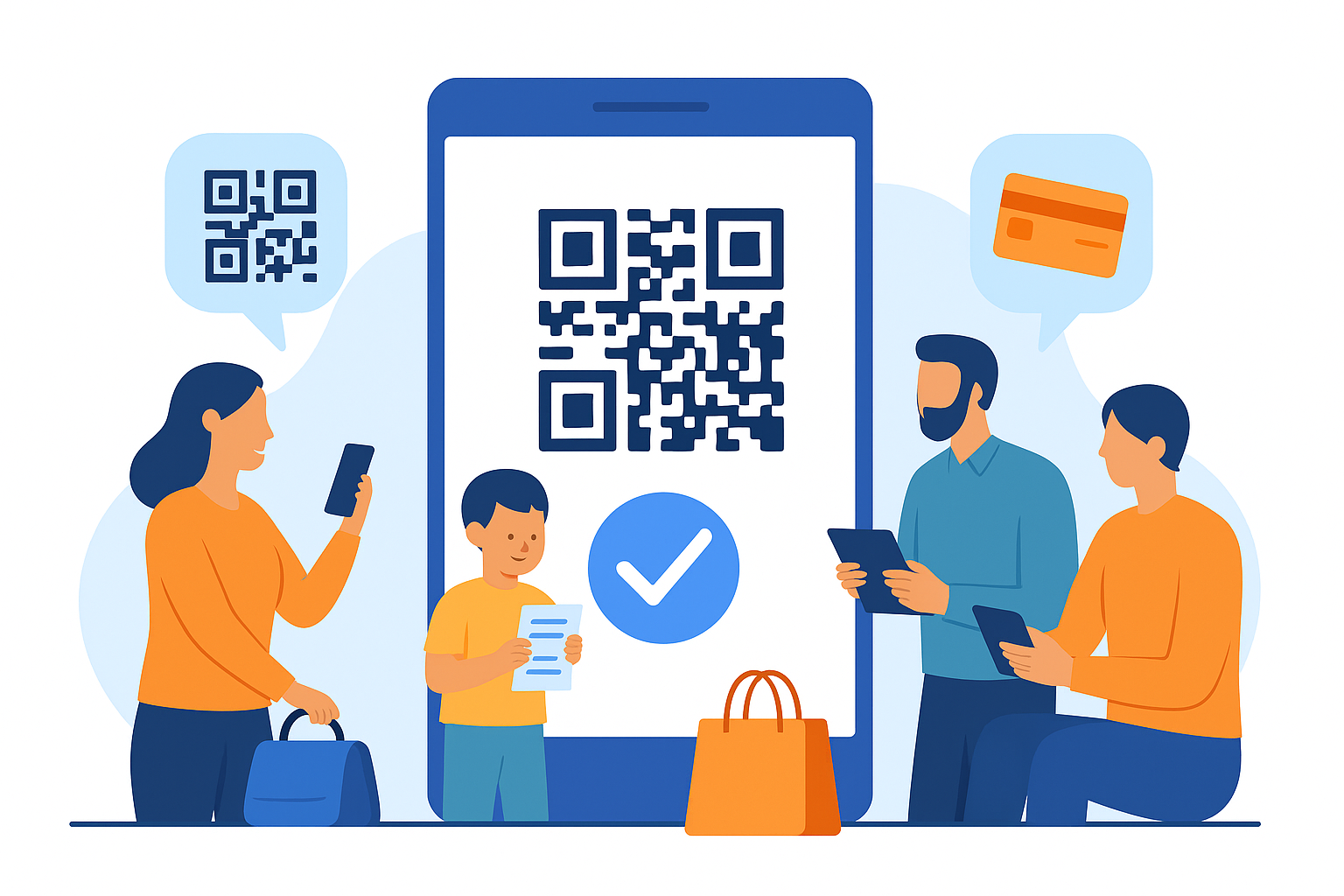
Singapore tuition centres can offer PayNow, GrabPay, card and front-desk payments. The main difference is how each payment is confirmed: staff check direct transfers, while successful integrated payments update invoices and generate receipts automatically.
Use this guide to choose a workflow that suits your parents and your team's reconciliation workload.
Payment methods at a glance
| Method | How parents pay | Payment confirmation |
|---|---|---|
| Direct PayNow transfer | Scan the QR code on the invoice | Staff confirm receipt and mark the invoice paid |
| Integrated PayNow or GrabPay | Complete the integrated payment | Successful payment updates the invoice and generates a receipt automatically |
| Cards through an enabled gateway | Use the available card checkout | Depends on the gateway setup |
| Front-desk payment | Pay staff in person | Staff record the payment against the invoice |
Direct PayNow: simple QR payments on invoices
SchoolTracs can display your PayNow QR code on invoices so parents can pay by bank transfer. This does not require an integrated payment gateway.
- Parents scan the invoice QR code to make a transfer.
- Staff check receipt of the funds and mark the invoice paid.
- Check your bank terms for any charges.
This suits centres that are comfortable confirming transfers themselves. Scanning a direct-transfer QR code does not automatically update the invoice.
Integrated PayNow and GrabPay: less manual reconciliation
With integrated PayNow and GrabPay, successful payments automatically update the SchoolTracs invoice and generate a receipt. Staff spend less time matching transfers to students.
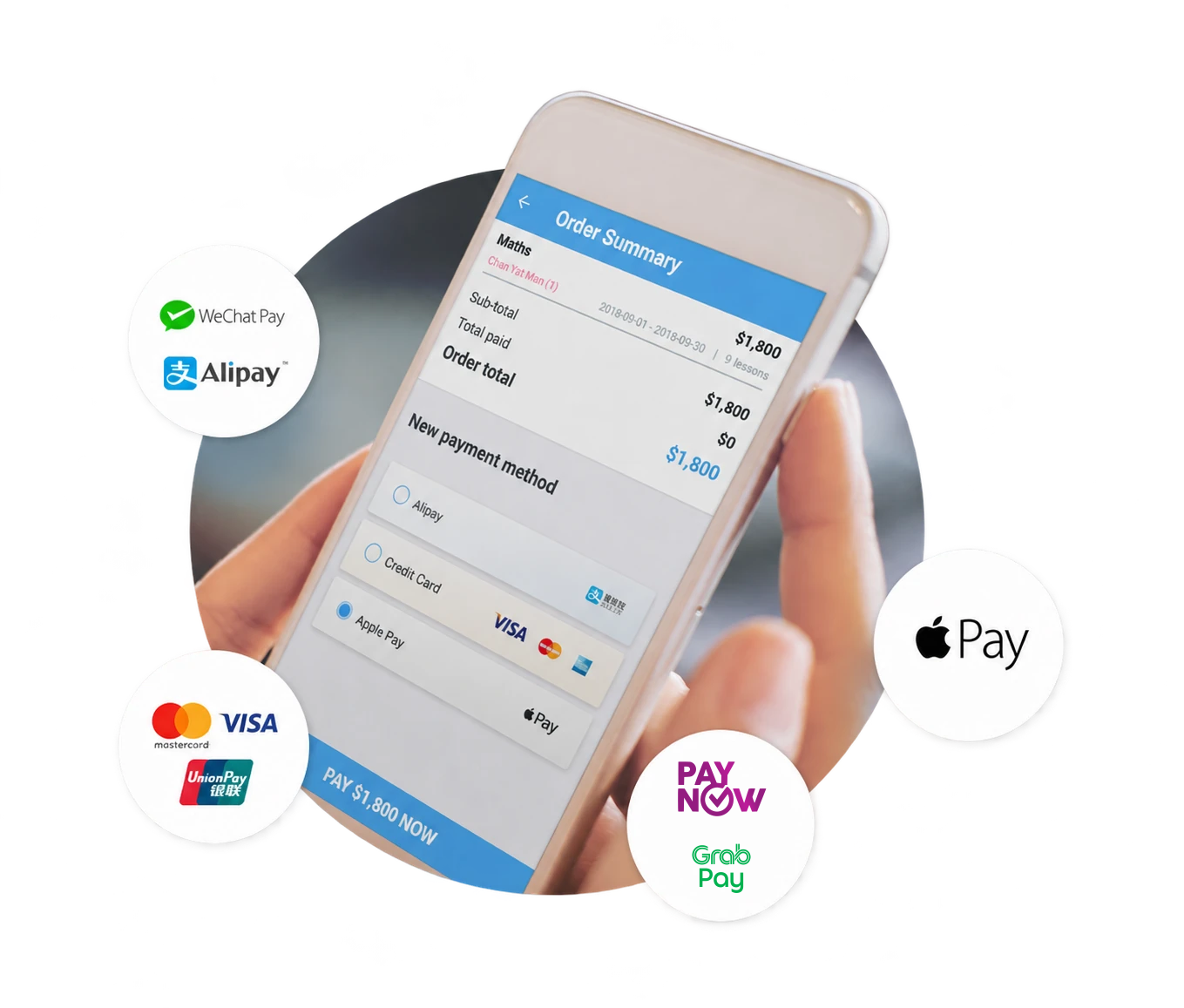
- Offer parents PayNow and GrabPay through the integrated payment setup.
- Keep payment status and receipts linked to the invoice.
- Gateway transaction fees apply; check your provider agreement.
Cards: offer another way to pay
For parents who prefer cards, SchoolTracs supports card checkout through enabled gateways. Confirm which methods are available on your merchant account and review the provider's transaction fees before offering them.
Front-desk payments: keep a clear record
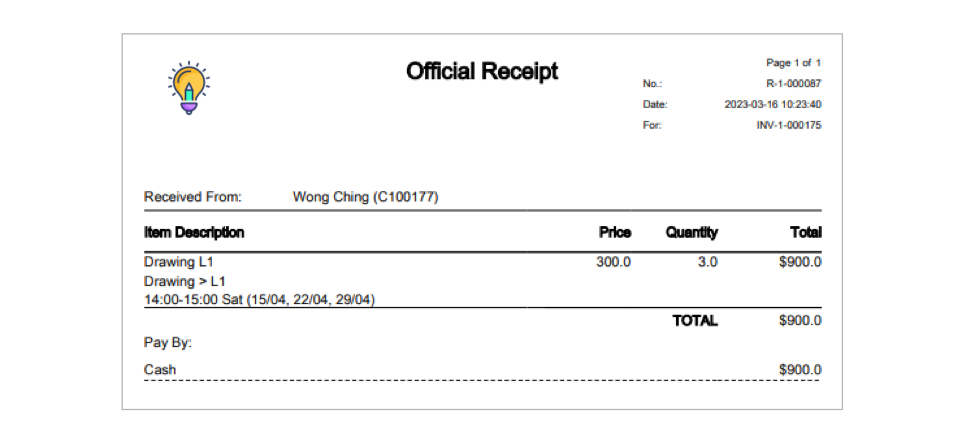
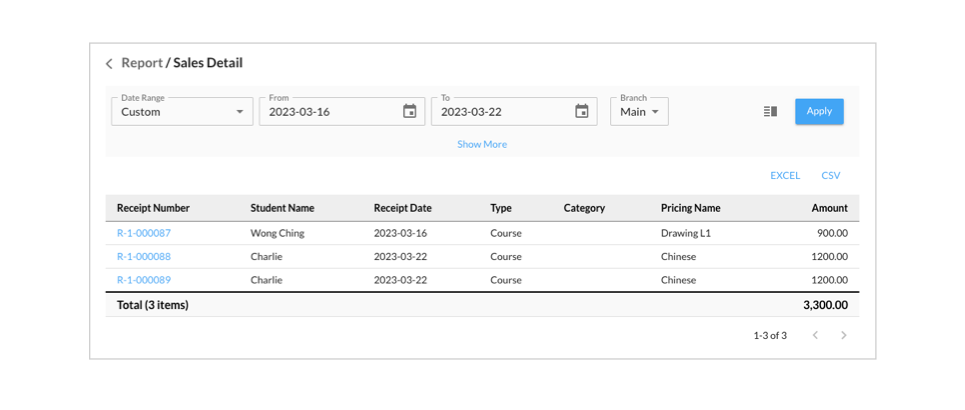
For payments taken in person, use SchoolTracs POS to record the payment against the student's invoice and issue a receipt. Daily sales reports help staff review collections and reconcile the day's payments.
Which setup suits your centre?
- Keep setup simple: use direct PayNow QR transfers and have staff confirm payments.
- Reduce manual work: enable integrated PayNow and GrabPay for automatic invoice updates and receipts.
- Offer flexibility: add supported card methods and record front-desk payments in the same system.
For the billing step before payment, see our guide to term-based, per-lesson and per-visit billing.
Frequently asked questions
Can I accept PayNow without a payment gateway?
Yes. Add a PayNow QR code to your SchoolTracs invoices for direct transfers. Staff confirm receipt and mark each invoice paid. Check your bank terms for any charges.
What changes with integrated PayNow and GrabPay?
Successful integrated payments automatically update the invoice and generate a receipt. Gateway transaction fees apply; check your provider agreement.
Can parents pay by card?
Card payments are available through enabled gateways. Supported methods and fees depend on your merchant account.
Can a centre offer several payment methods?
Yes. A centre can combine direct PayNow transfers, integrated payments and front-desk payments, recording each against the relevant invoice.
See SchoolTracs payment integrations for an overview, or talk to us about the setup for your Singapore centre.