



After collecting valuable suggestions from our users, we have updated some features and user interface design to satisfy users’ needs. Here are updates as below:
Sales Page
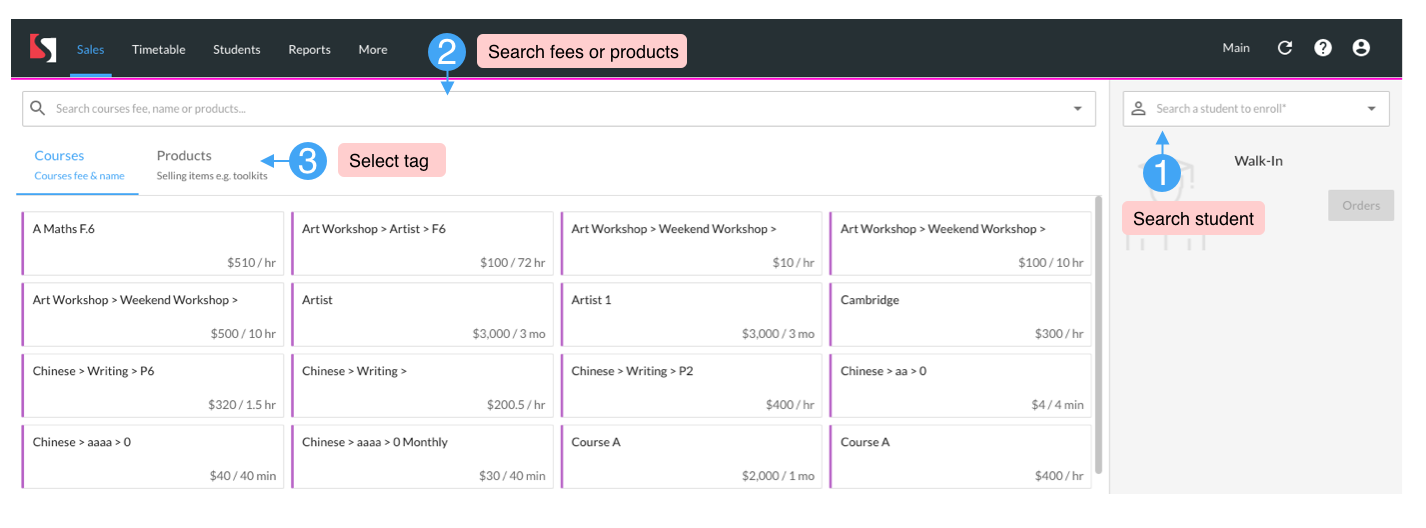
The sales page user interface will be updated. To find product fee directly, you can click the product tab and pick one of the fee of products quickly or you can input product name on search bar.
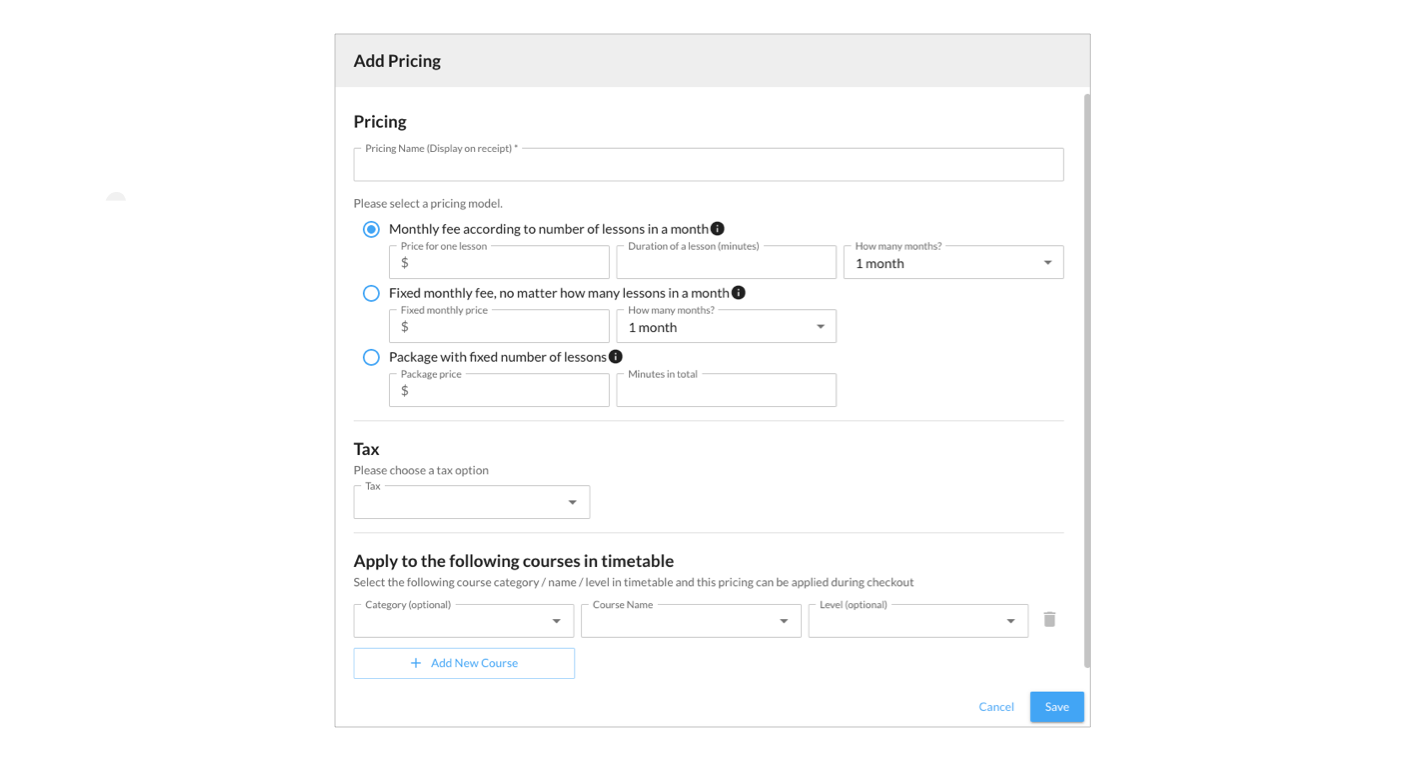
Add Fee Dialogue
The add fee page will be reorganized in order to make users set up the fee clearly.
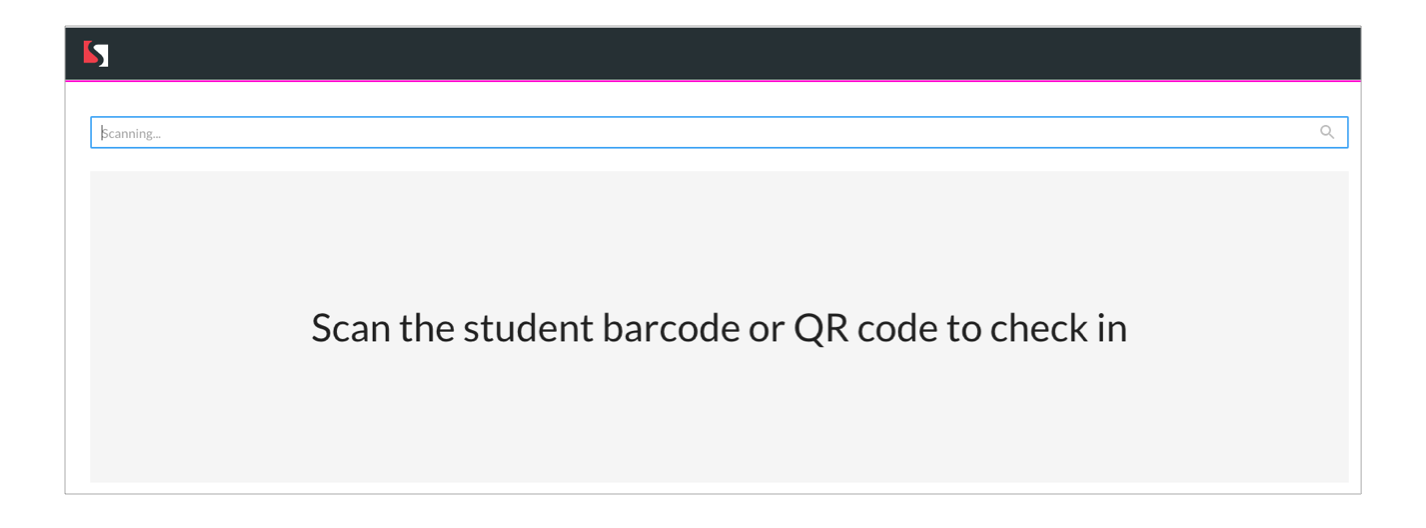
QR code check-in
The check-in function on the timetable page only supported barcode scanning before. You can now use it to scan students' QR code when connecting with a QR code scanner.
Add lessons in sales page
When you create lessons on the Sales page before, the lessons will be created when you click “Create and continue” button. After changing, the lessons will be created after you click the “Save” or “Pay” button.