We use cookies to make your experience better. By using SchoolTracs.com, you accept our cookie notice terms.

SchoolTracs logo

RESCHEDULING & MAKE-UPS

Move Lessons Without the Mess

Shift students, split lessons, and keep every update clear for staff, parents, and students.

Move lessons and split make-ups without errors

Flexible Make-up Options

Keep schedules accurate while supporting every make-up path.

  • Reassign a student to another class; timetables update for teachers and students instantly.
  • Use split make-ups to divide one lesson into multiple shorter sessions—ideal for 1-to-1 classes.
  • Refund lessons when necessary and keep every refund recorded in POS.

Transparent Student Records

Keep every make-up and timetable change visible to staff and parents.
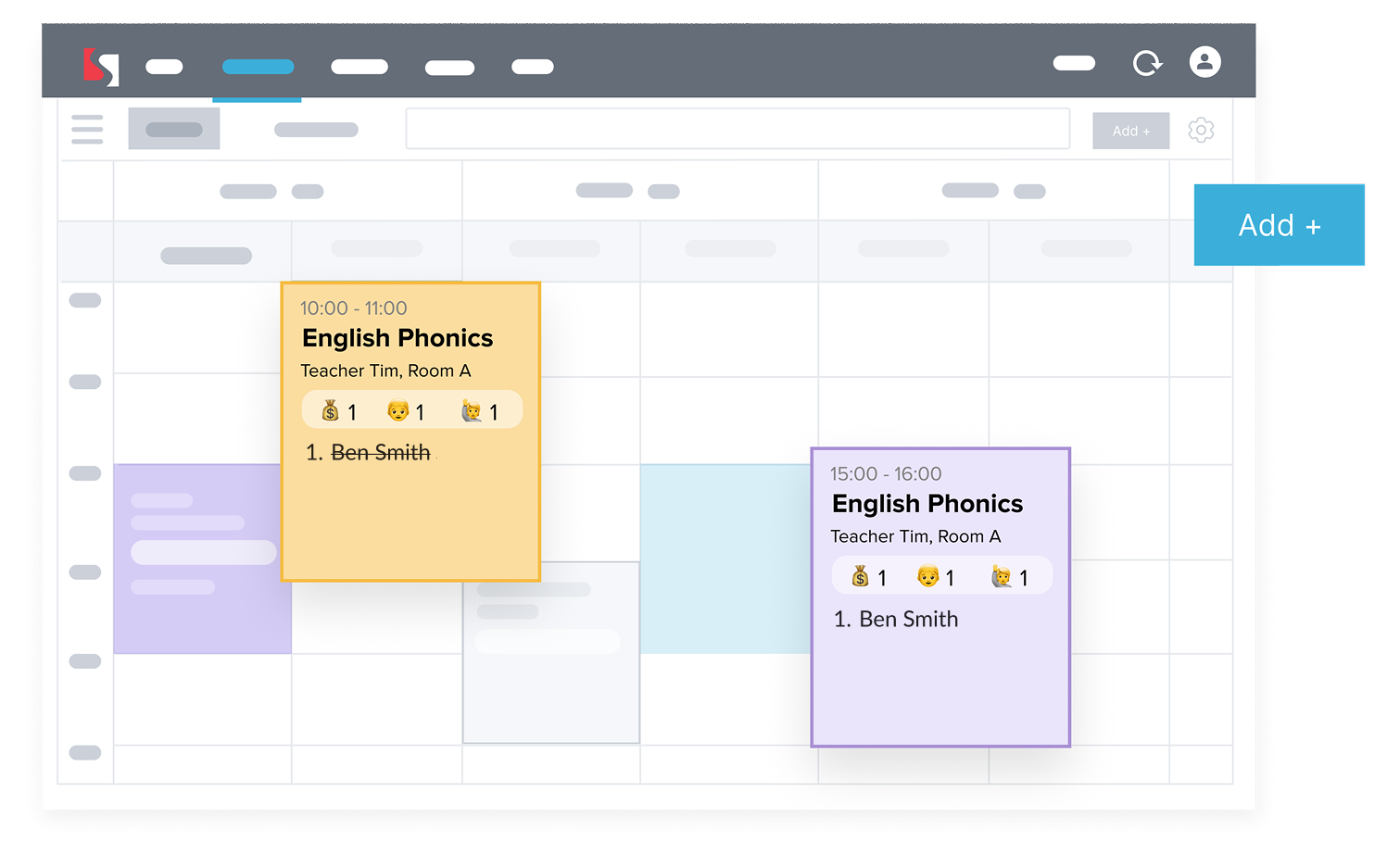
  • All make-ups appear in the student profile for clear tracking.
  • Updated timetables are displayed clearly for staff and families.
  • See which staff member logged each change to maintain accountability.
View make-up history and timetable changes
Reschedule lessons on the go

Reschedule Anywhere

Give teachers the tools to handle changes on the go.

  • Use the Teacher App to manage last-minute make-ups or date changes while commuting or between classes.
  • Shift students to future group sessions or add an on-the-spot make-up slot when nothing else fits.
  • Reschedule an entire class in one edit, and lock edit access with teacher permissions.

Students Arrange Their Own Make-ups

Let students handle make-ups themselves and reduce admin workload.
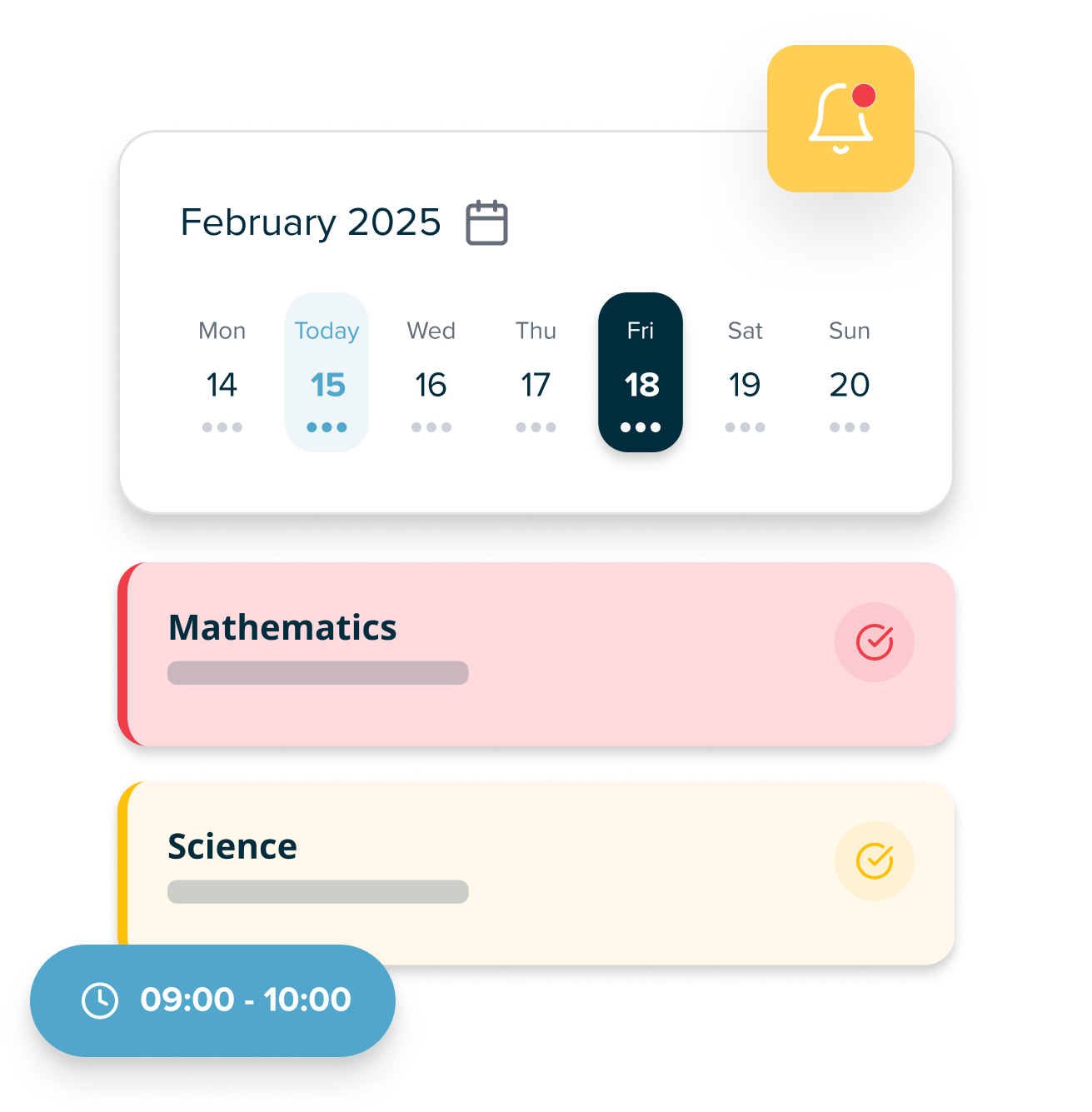
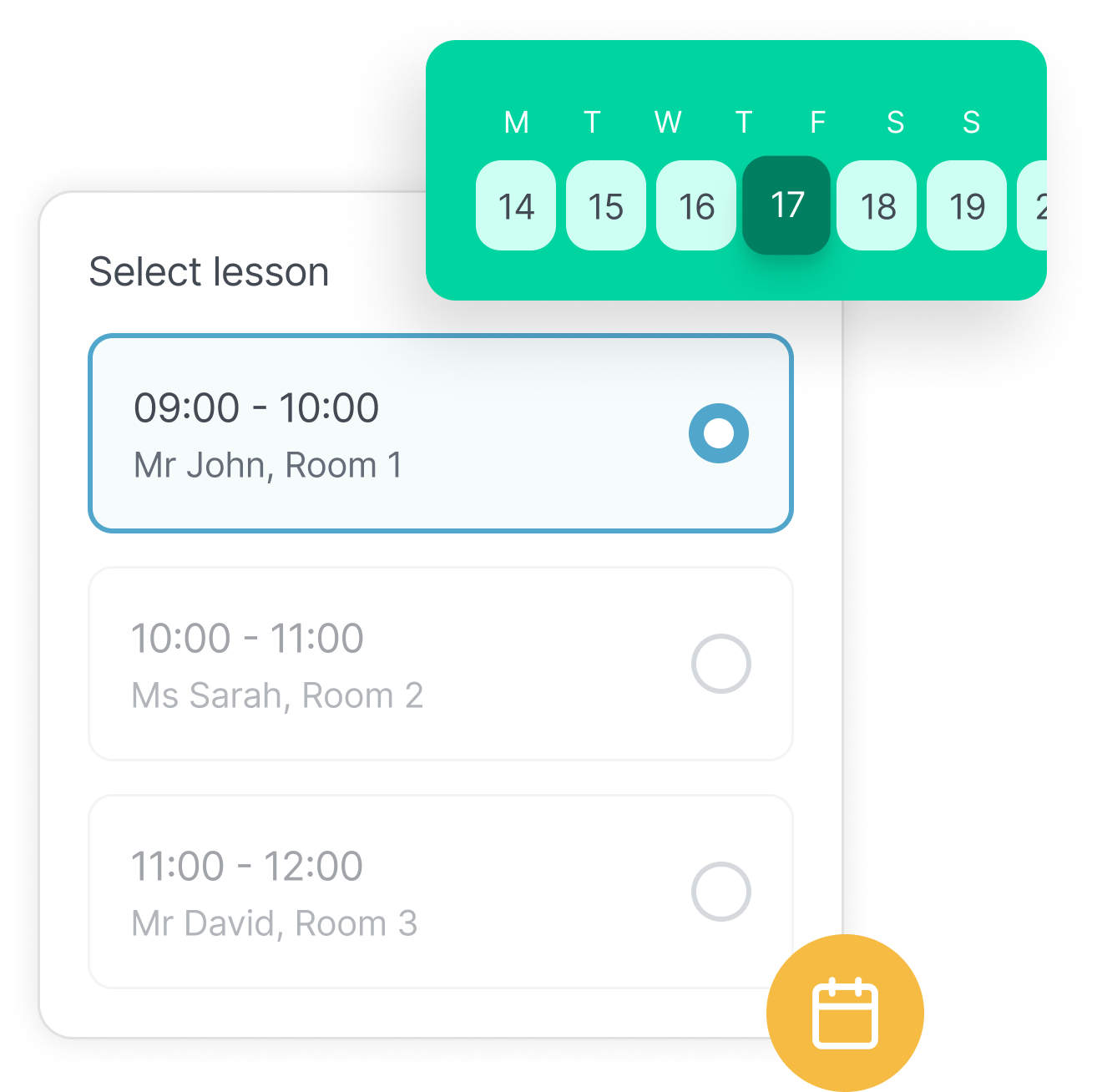
  • Students can book their own make-ups directly in the Student App.
  • Self-serve scheduling cuts back-and-forth and frees staff time.
Students view updates and make-ups in the app

Frequently Asked Questions

How can teachers reschedule classes on the go?

Teachers can use the SchoolTracs Teacher App to move a student to a different session, add an impromptu make-up slot, or shift an entire class — all without needing to contact the admin office.

Can students book their own make-ups from the Student App?

Yes. SchoolTracs lets students browse available class slots and confirm their own make-up booking in the app, cutting admin workload and giving students more flexibility.

What happens to payment records when a lesson is rescheduled?

Rescheduled lessons remain linked to the student's payment record so there is no double-charging. If a lesson is refunded, the refund is recorded in POS for a clear audit trail.

Can an entire class be rescheduled at once?

Yes. Admins can move all students in a class to a new time in a single edit. Teacher permissions can also be configured to prevent unauthorised timetable changes.

Discover more Features

Start trial

Streamline your education business here. Whether you are private tutors or owner of multiple educational institutions, we have all the features you need.