



High enrolment volume, constant rescheduling, and monthly billing need more than a generic class scheduler. Here's what's different about running a tuition centre on SchoolTracs.
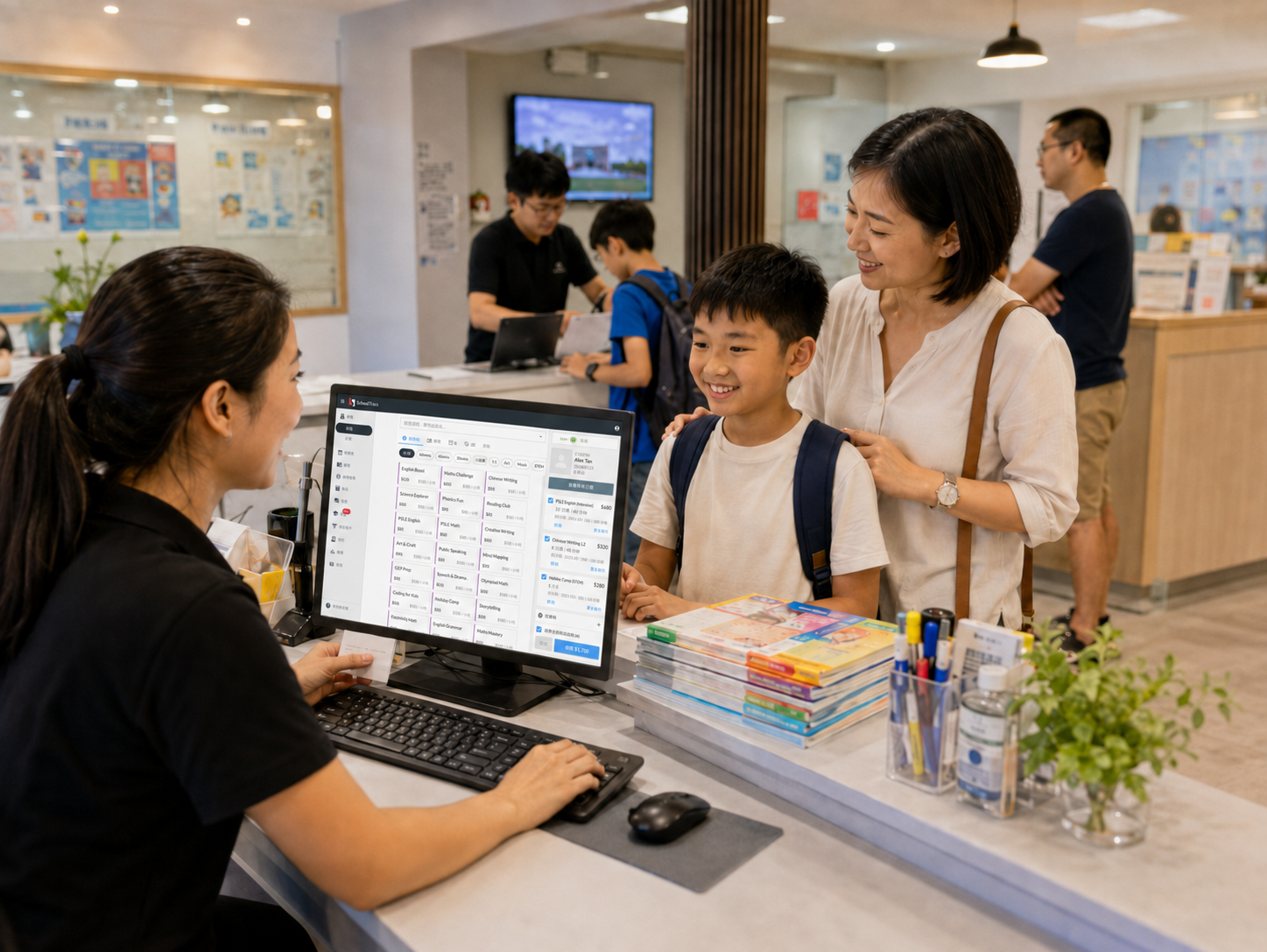
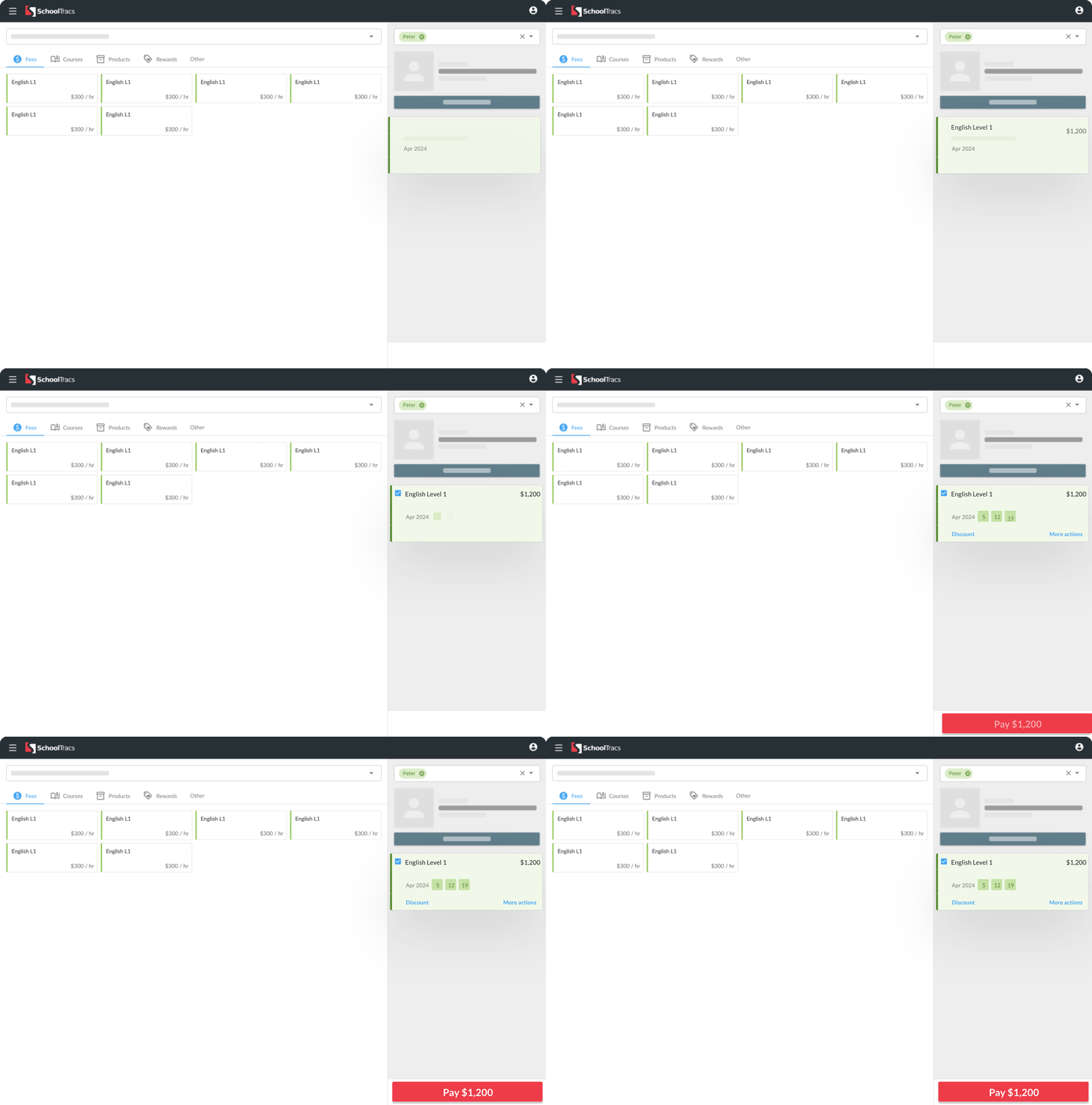
Tuition centres process far more students than a typical class-based school. The point of sale is built to enrol students quickly, one after another, without slowing down at the front desk.
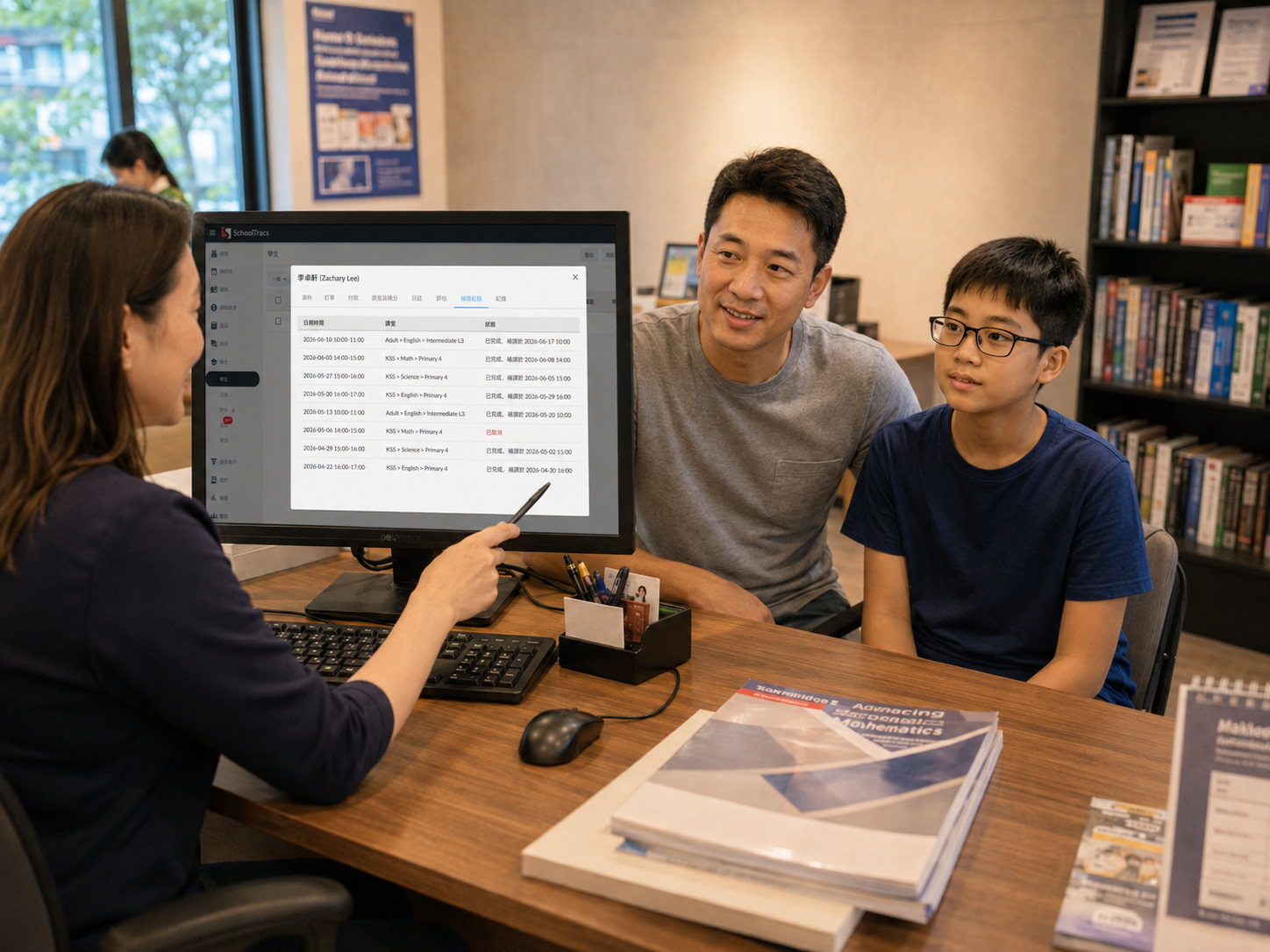
Tuition schedules change constantly. Every student's record shows exactly which lessons are outstanding, which have been made up, and which original lesson each make-up was rescheduled from.
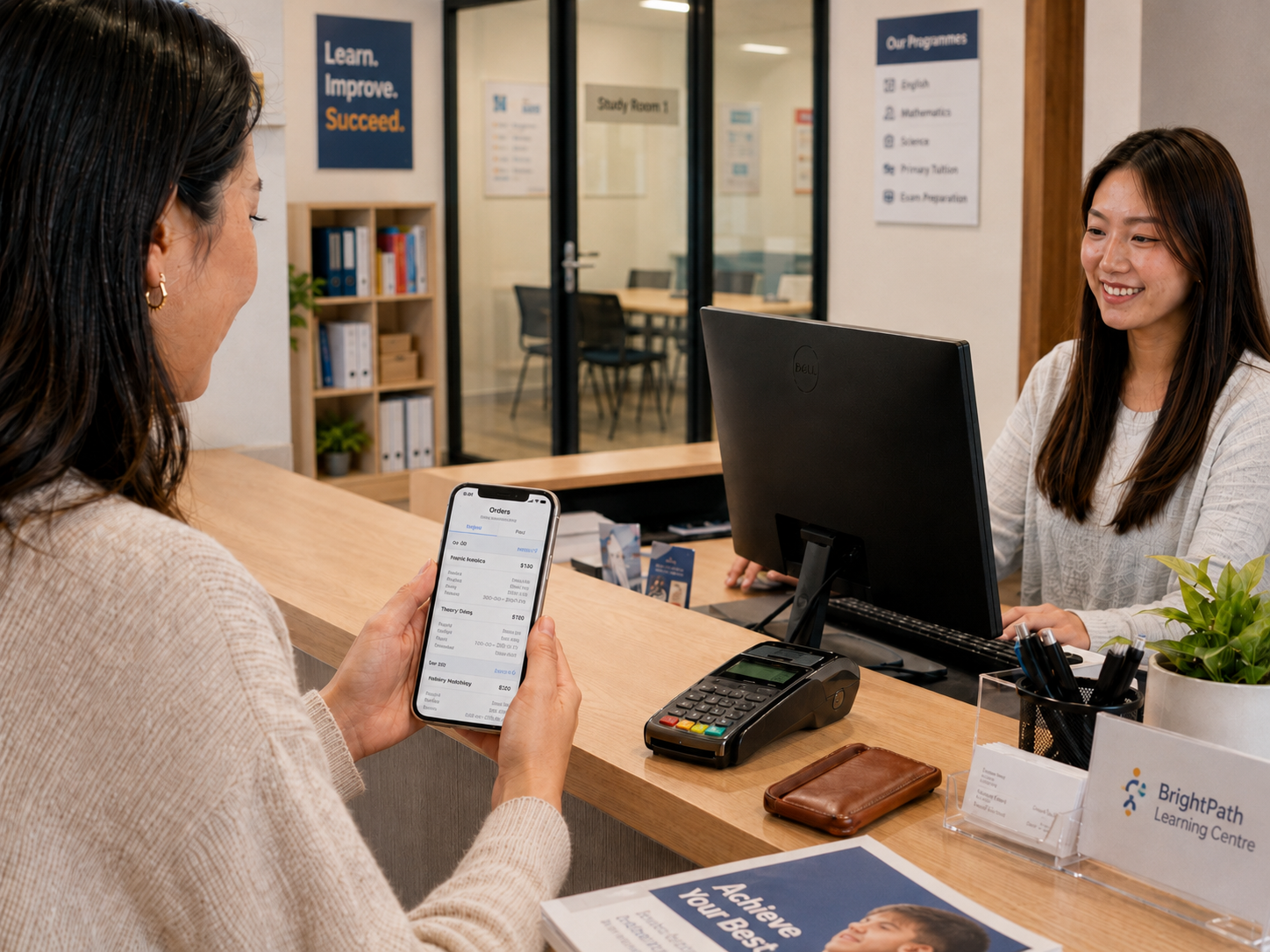
Monthly billing for a large roster doesn't need to be manual. Invoices for the coming month are generated automatically from each student's actual lessons.
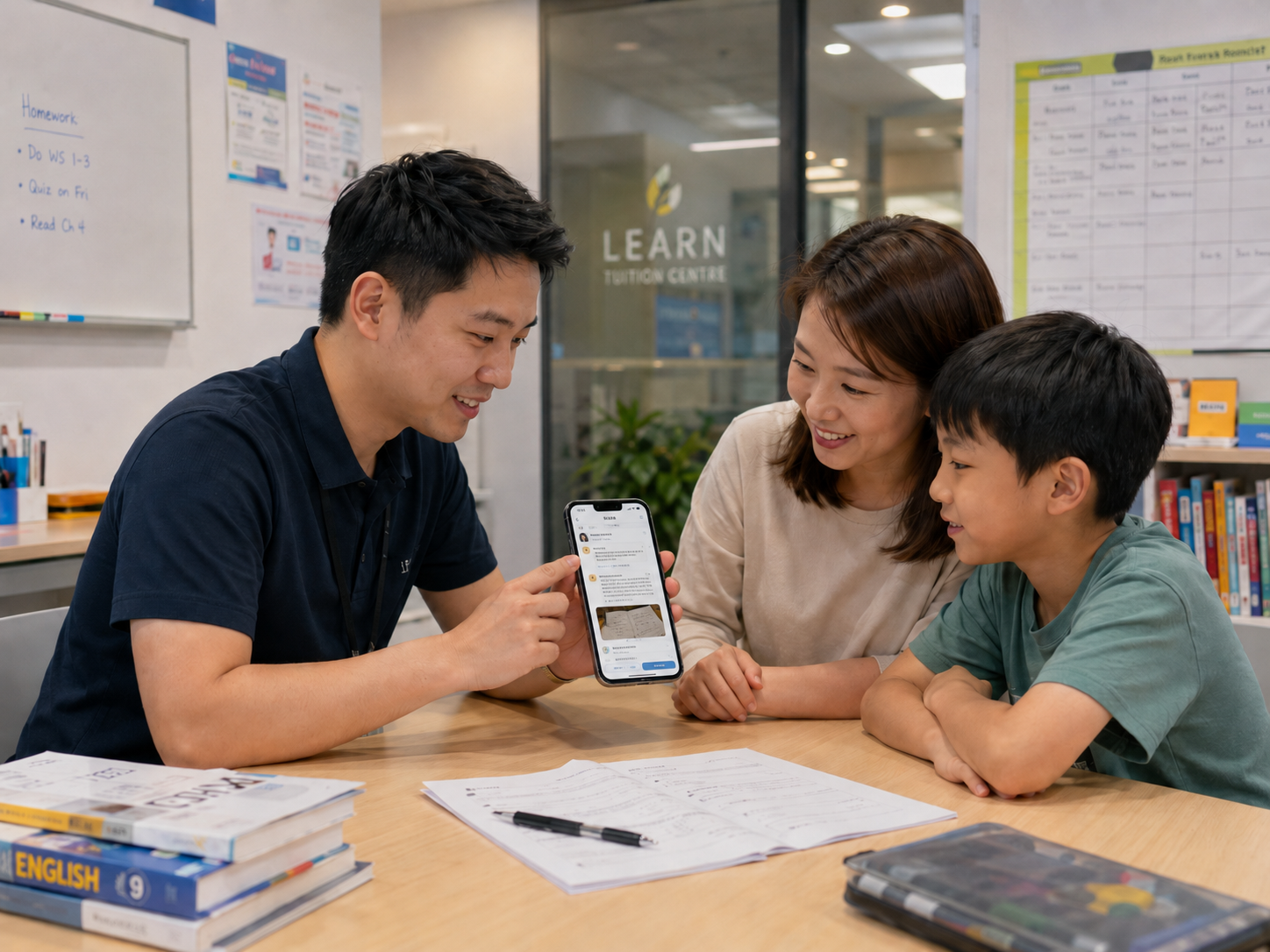
Parents are often working and can't always ask in person how their child is doing. The Journal keeps a running record for each student, not just a mass update for the whole class.

Students see upcoming invoices and pay online, check their own make-up status, and apply for leave — without calling or messaging the centre.

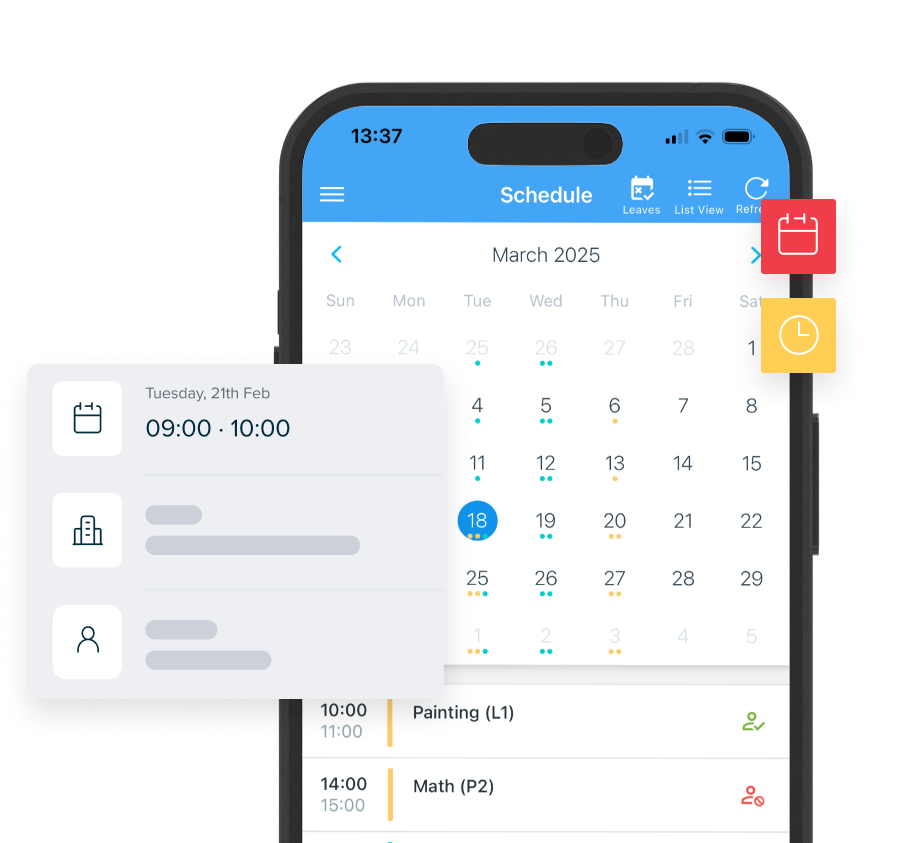
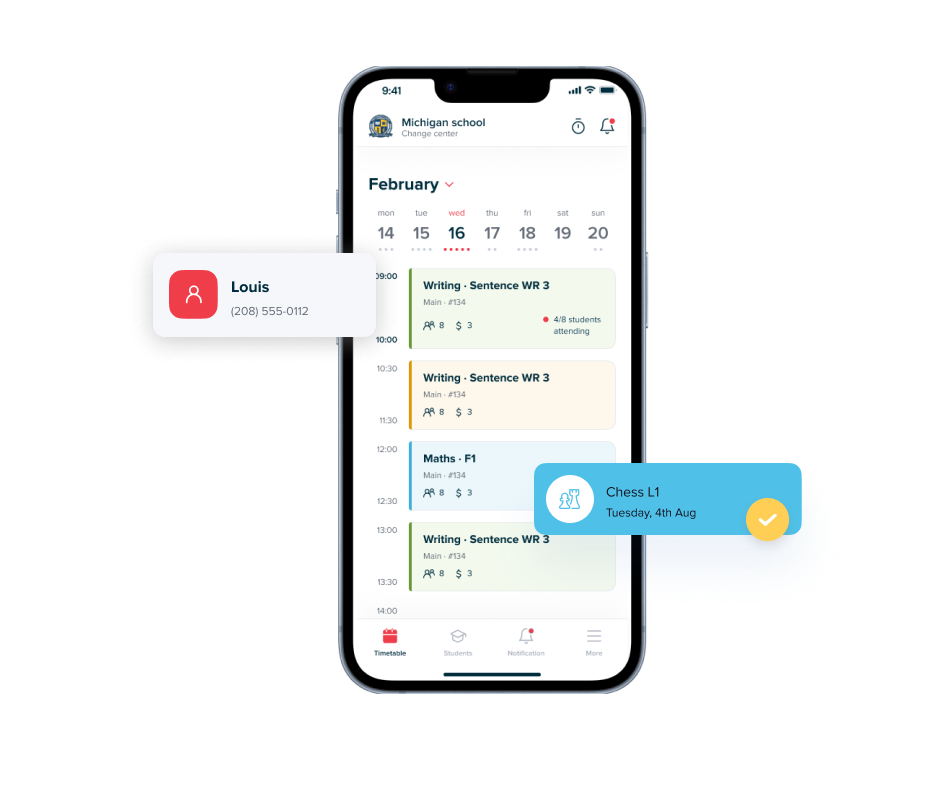
Teachers check their updated schedule and take attendance directly from their phone, with no separate sync step.

Scan each student's QR code to take attendance, checking in a full class in seconds instead of calling names one by one.

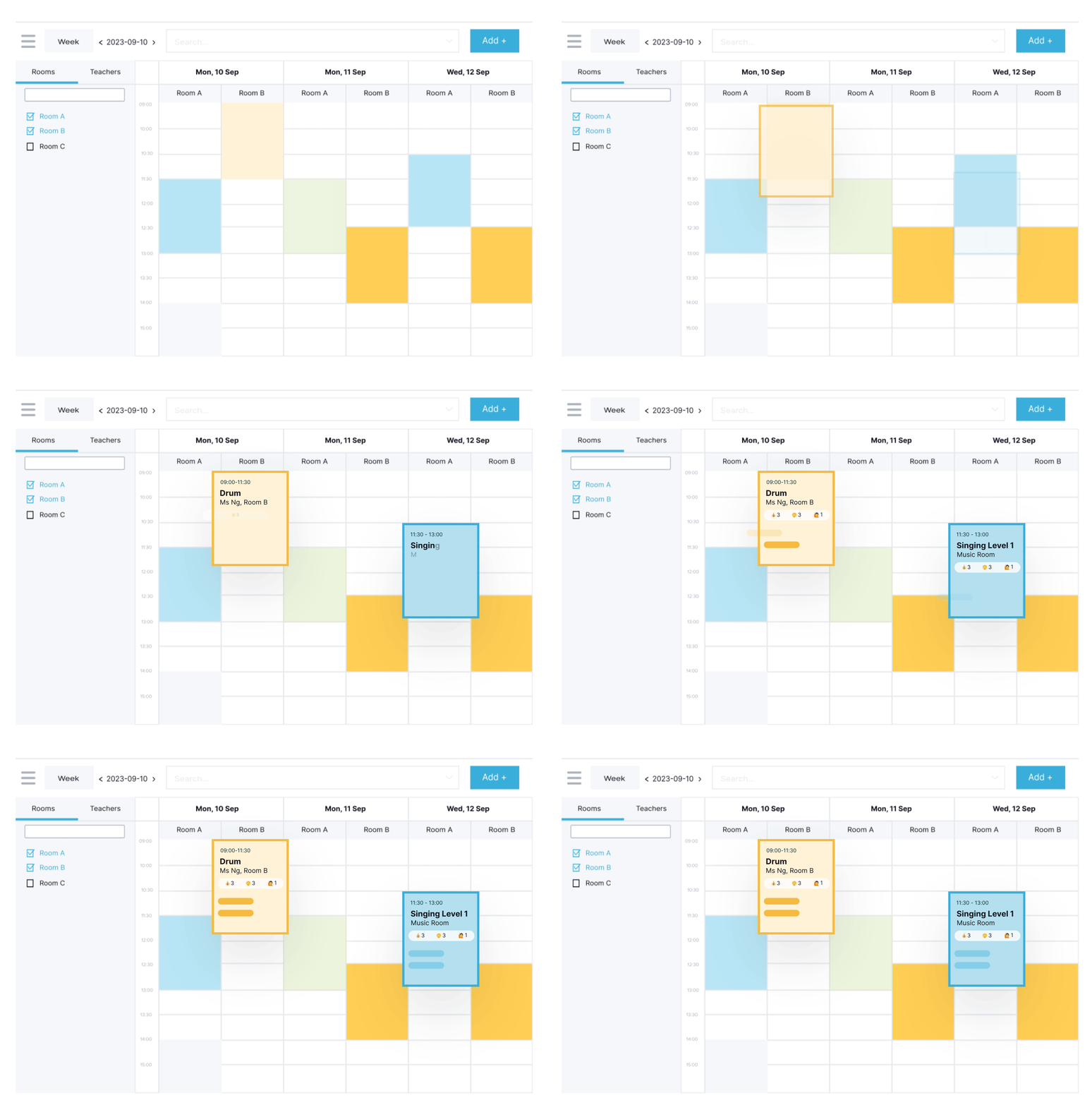
Filter the shared timetable by room or by teacher when rescheduling across a busy, high-volume roster.
Case study
Established in 2016, Little Beans Education offers personalized tutoring and exam preparation across all primary school subjects. Before SchoolTracs, enrolment ran through Google Forms, invoices were issued by hand, and Excel timetables made tracking attendance and make-up sessions difficult. Since switching, recurring invoices generate automatically, attendance is tracked against an intuitive timetable, and teacher salaries are calculated automatically from actual attendance records.
Read the full story →
Invoices for the coming month are generated automatically from each student's enrolled lessons, with public holidays skipped and the lesson count calculated for you. Unpaid invoices are then surfaced in one report so nothing gets missed. Yes. Every student's record shows which lessons are outstanding, which have been made up, and which original lesson each make-up was rescheduled from. Yes. The point of sale is built for processing large numbers of students quickly, and can also sell add-on products like exercise books and course materials at the same time. Yes. The Student App shows upcoming invoices for online payment, lets students check their own make-up status, and lets them apply for leave directly, without a phone call or WhatsApp message. Teachers or front-desk staff scan each student's QR code to take attendance, so a large class can be checked in within seconds instead of being called out one by one.
Handle classes, make-ups, and timetable changes clearly, so students and teachers always know what is next.
Preview lesson dates, arrange make-ups, and watch the price update — then add course materials or merchandise to the same checkout.
Help parents follow lessons, pay fees, receive updates, and see their child's progress.
Give teachers the latest schedule, attendance, make-ups, and lesson notes on mobile.
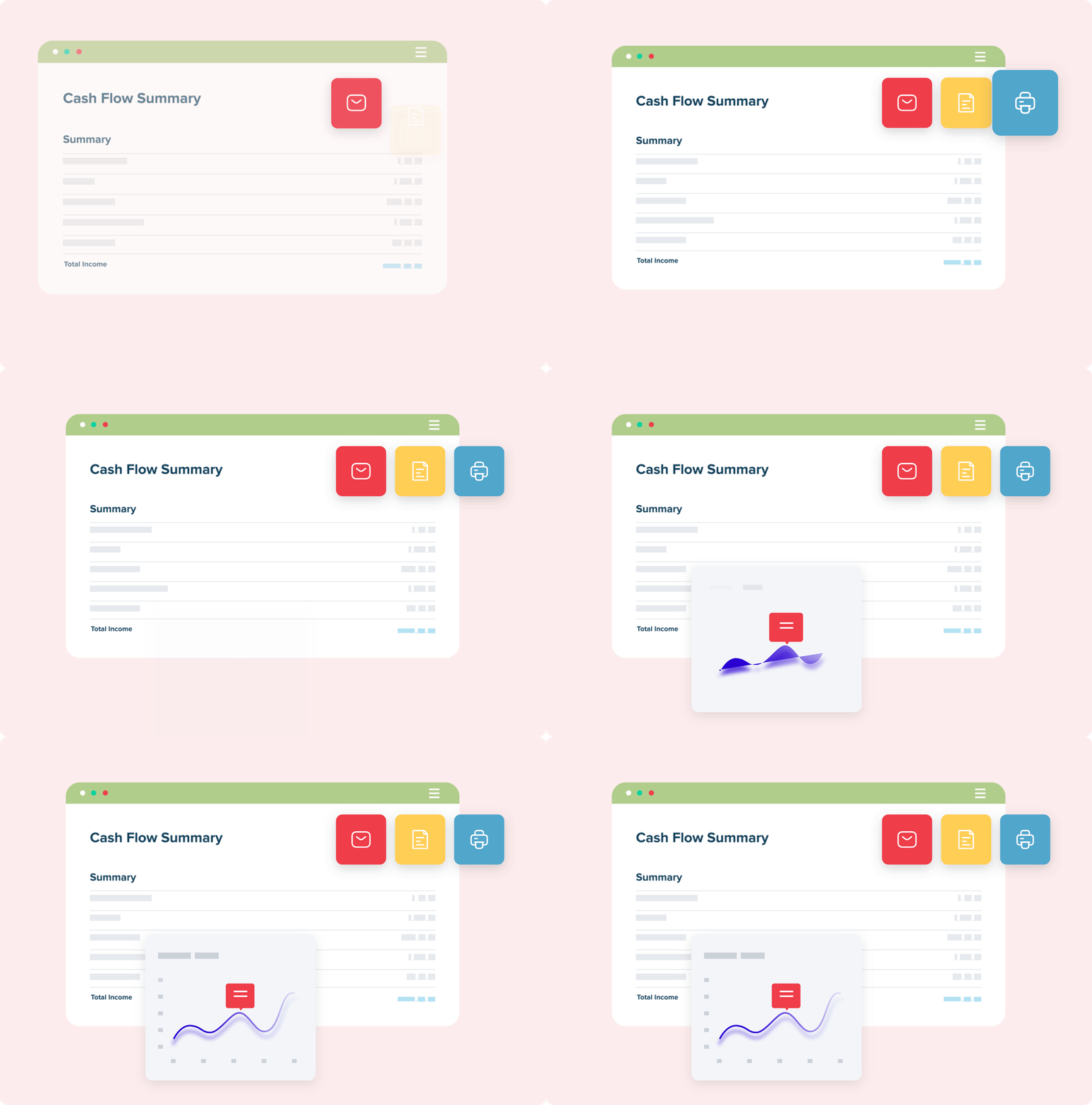
Track sales, enrolments, attendance, and branch results without building reports by hand.
Handle classes, make-ups, and timetable changes clearly, so students and teachers always know what is next. Preview lesson dates, arrange make-ups, and watch the price update — then add course materials or merchandise to the same checkout. Help parents follow lessons, pay fees, receive updates, and see their child's progress. Give teachers the latest schedule, attendance, make-ups, and lesson notes on mobile. Track sales, enrolments, attendance, and branch results without building reports by hand.
SchoolTracs streamlines student database management and boasts an
intuitive timetable feature. This system efficiently handles
student data and empowers teachers with an easy-to-navigate
schedule, enhancing operational efficiency.
SchoolTracs was crucial during our transition to remote
operations. It streamlined workflows, prioritized staff
coordination, and eliminated the need for physical offices. This
ensured a smooth transition to our new operational mode.
SchoolTracs has notably improved our backend operations,
delivering a seamless and efficient management solution. Its
integration into our system streamlines tasks, affording us the
opportunity to concentrate on our core educational objectives and
initiatives.
SchoolTracs significantly reduces administrative workload,
simplifies lesson rescheduling, and enables comprehensive student
history tracking. These benefits improve overall management
efficiency.
SchoolTracs enhances our administrative processes with
professional invoicing and informative sales reports. It bolsters
our daily efficiency and accuracy, proving invaluable to our
operations.
We have significantly reduced the time spent on creating
timetables, leading to an enhancement in our administrative
efficiency. This streamlining of scheduling tasks allows us to
focus on other vital aspects of our operation.
Frequently Asked Questions
How does SchoolTracs generate monthly invoices for tuition fees?

Can I see which lessons have been made up and which haven't?
Is SchoolTracs fast enough for high-volume enrolment?
Can parents and students pay invoices without calling or messaging the centre?
How does QR code attendance work?
Your all-in-one management system
Scheduling
Point of Sale
Student App
Teacher App
Reporting
Scheduling
Point of Sale
Student App
Teacher App
Reporting
More tools to grow your business
What others are saying





Streamline your education business here. Whether you are private tutors or owner of multiple educational institutions, we have all the features you need.
