


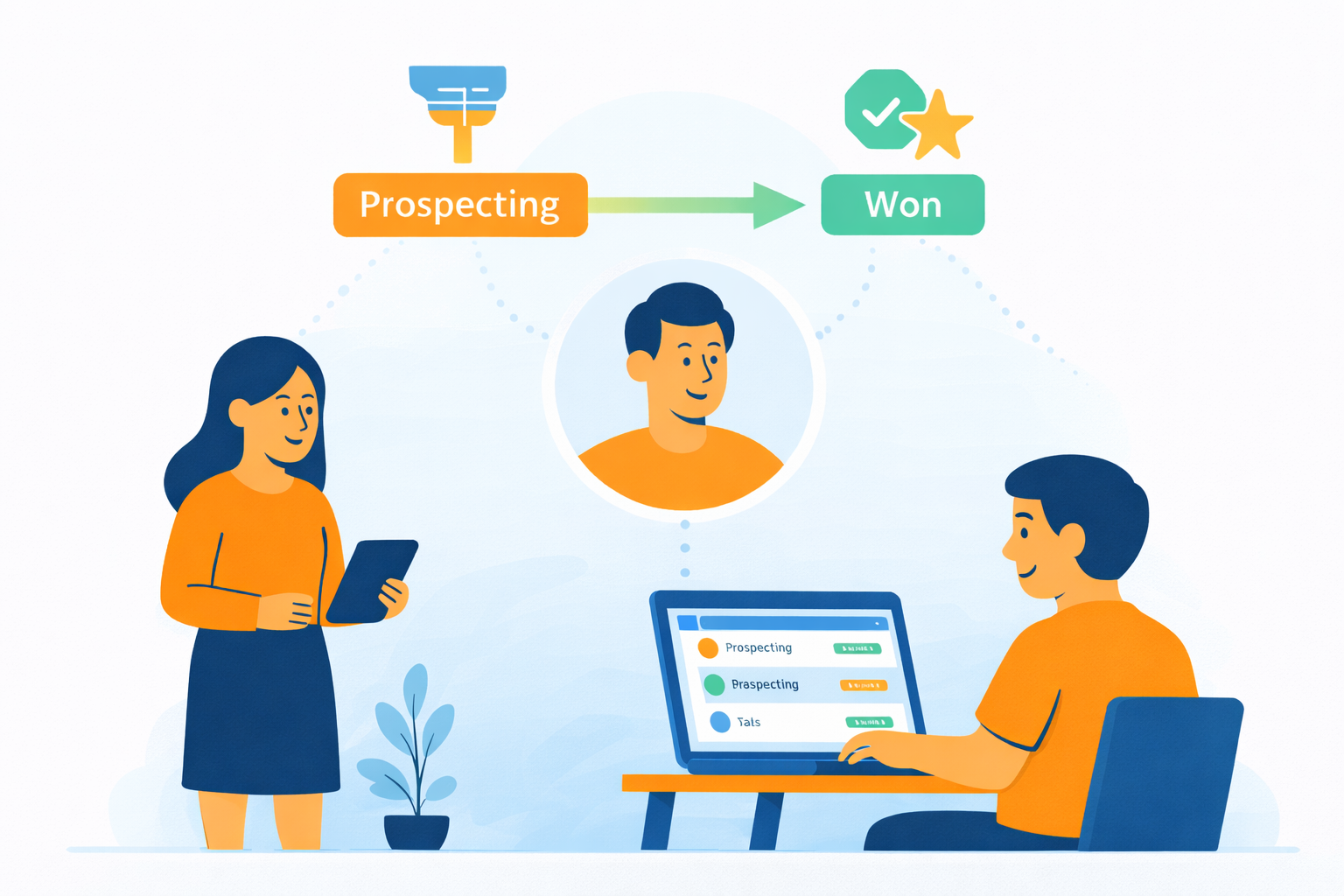
A parent calls about a trial class. Another fills in a Google Form from a Facebook ad. A third is referred by a friend and messages you on WhatsApp. Each of these enquiries is a potential enrolment, and each of them can quietly disappear: a note lost on a desk, a follow-up nobody owns, a spreadsheet that three staff members update three different ways. Then, when a prospect finally says yes, a slow registration process at the front desk adds one more chance for the momentum to fade.
Turning enquiries into enrolments is really two problems: capturing and nurturing every lead consistently, and making the final enrolment step so fast that saying yes takes minutes. This guide walks through both, using the SchoolTracs Enquiry CRM and POS as the working example.
How do I capture every enquiry in one place?
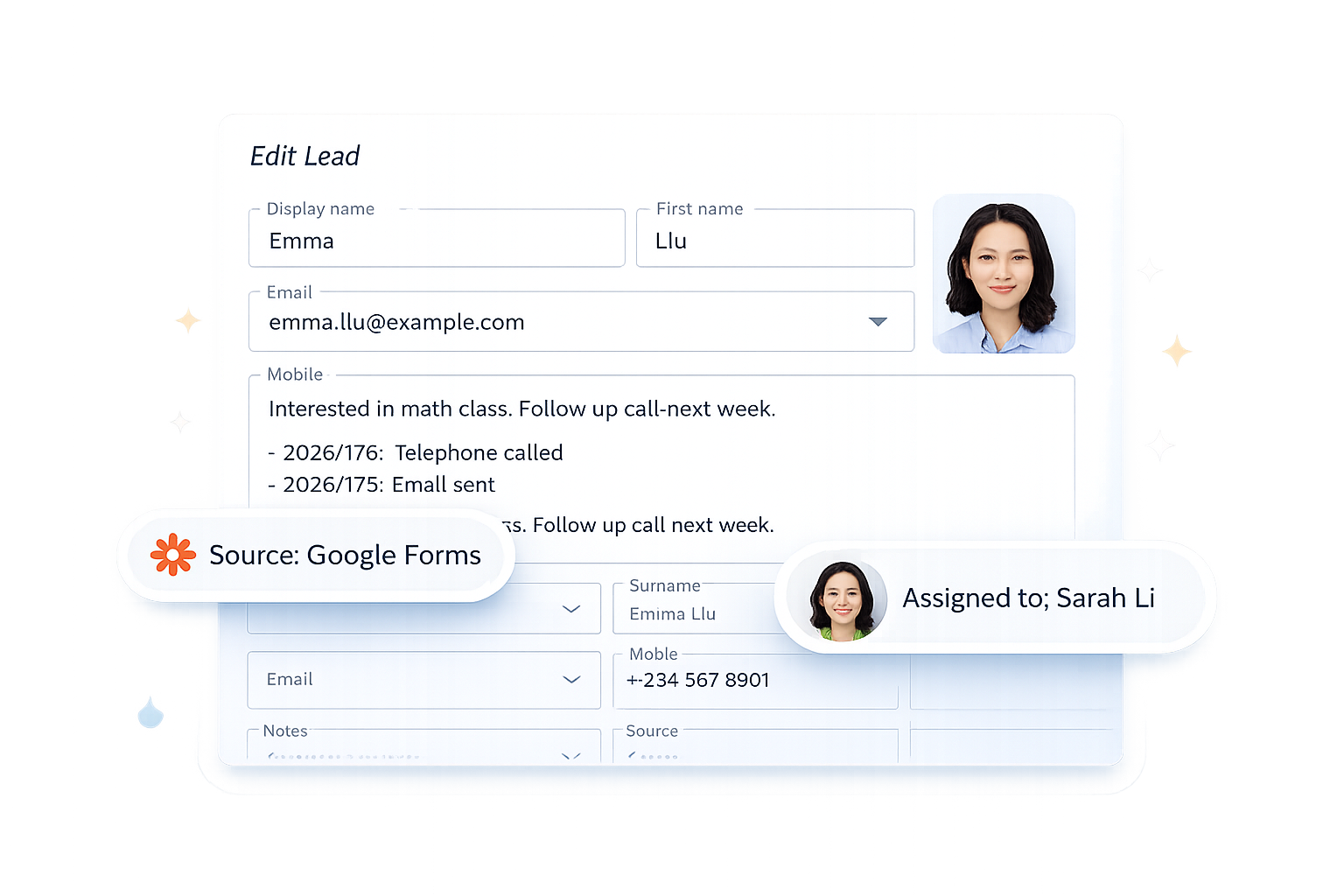
The first step is a single home for every lead. When a parent calls to ask about a trial class, capture their details, source, and preferences on the spot in the Enquiry CRM. Everything lives in one record, so whoever follows up next sees the full context without digging through messages or spreadsheets.
The payoff is consistent follow-ups and fewer missed leads, because your team always knows what was discussed and what the next step should be. Instead of relying on one staff member's memory, the record itself carries the conversation forward.
How do I know which leads need attention right now?
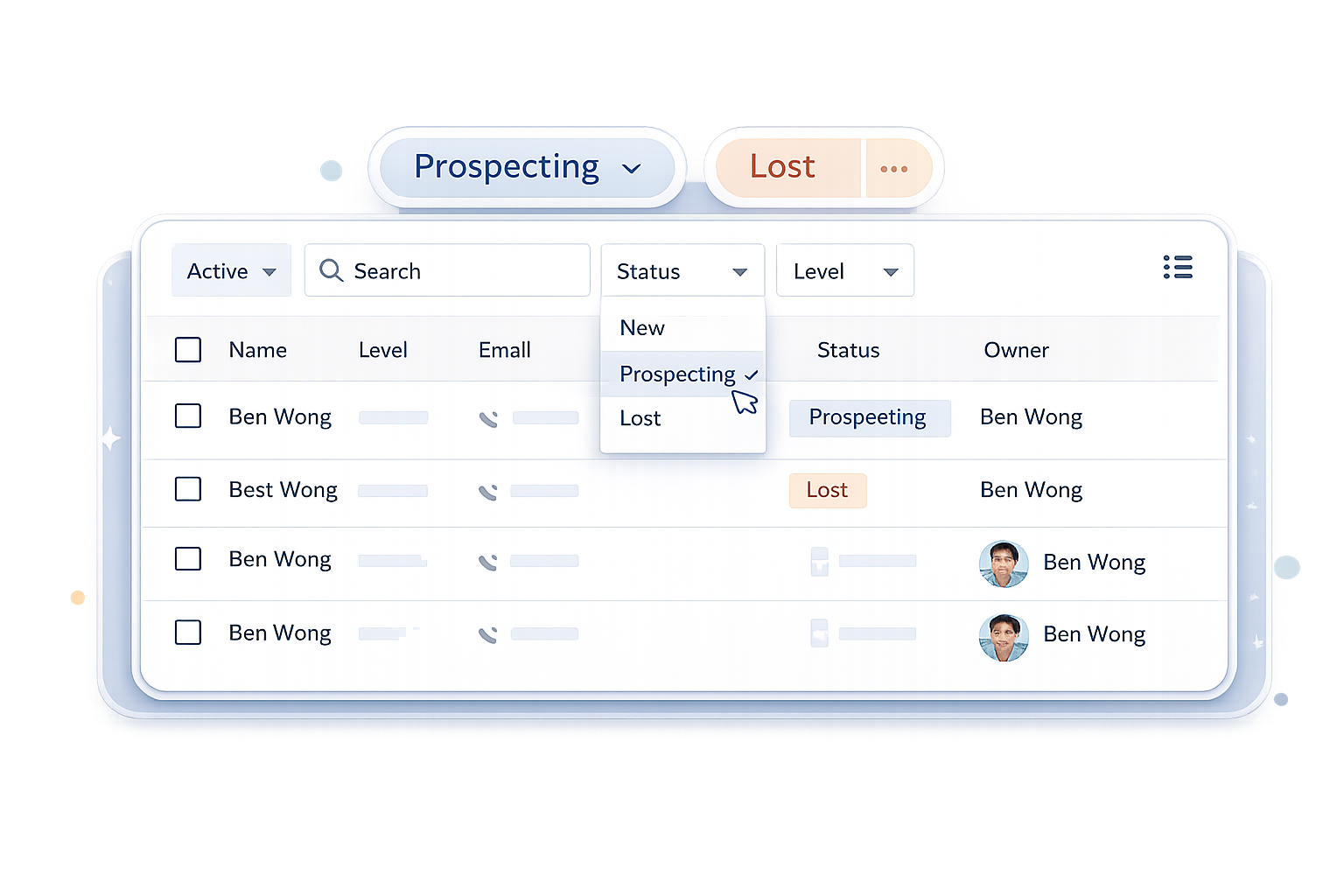
When multiple staff members handle enquiries, you need a clear view of who is still deciding, who needs a follow-up, and who has gone cold. In the Enquiry CRM, each enquiry moves through pipeline stages, New, Prospecting, or Lost, and only becomes a student record once enrolment is confirmed.
This gives you a cleaner pipeline and better conversion insight. You can see exactly where leads drop off, whether that is after the first call or after a trial class, and focus your effort on the stages that need improvement rather than guessing. A dedicated Lead Conversion report tracks this funnel automatically period over period, so you don't have to reconstruct it by hand every time you want to know whether last month's ad spend actually converted.
How do enquiries from ads and forms get in automatically?
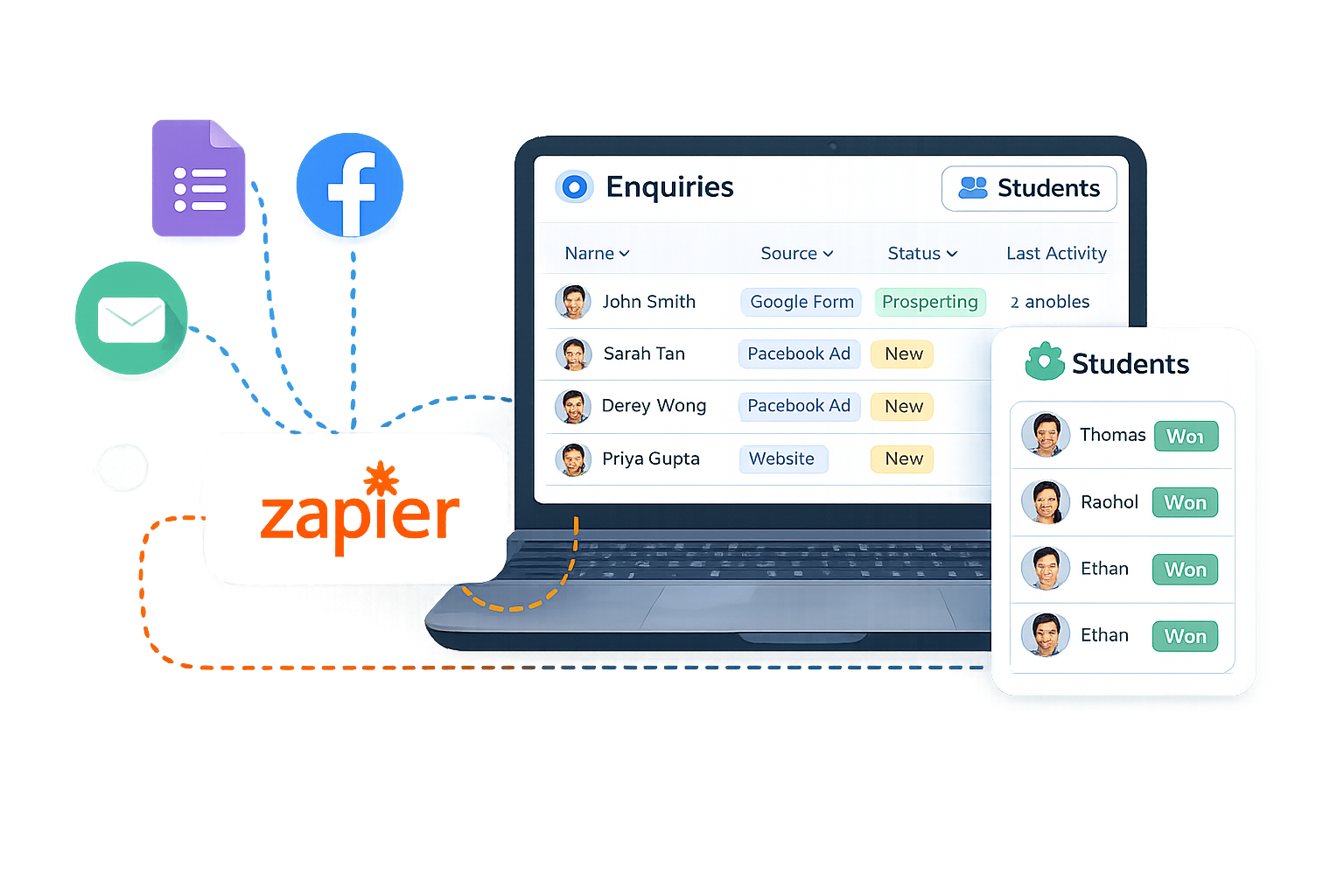
Enquiries rarely come from one channel. Google Forms, social ads, referrals, and walk-ins should all land automatically in the CRM rather than in separate inboxes. Leads stay separate from enrolled students, so your main database remains accurate and your day-to-day student records stay uncluttered.
The result is a reliable intake flow with less manual work, making it easier to nurture leads over weeks or months. One practical tip: pair this with your online booking store, so prospects who are ready to commit can book a trial class or buy a package directly, even outside office hours.
How do I make the enrolment step itself fast?
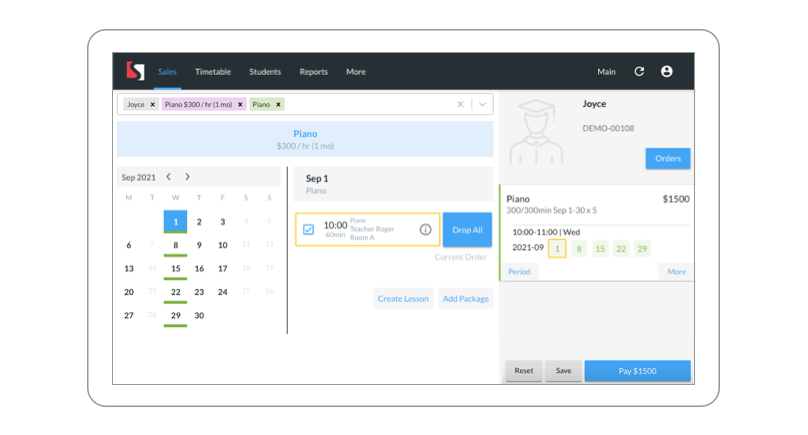
A nurtured lead can still be lost at the front desk if registration is slow. Once a prospect decides to enrol, administrators should be able to register the student fast in the POS, completing scheduling and issuing an invoice and receipt with minimal steps. Here is how the flow works in SchoolTracs:
- Step 1: Pick the right fee. Create fees for different course types in advance, single lessons or multiple-lesson packages, then simply select the suitable fee when registering the student.
- Step 2: Enrol a whole series in one click. If you select a multiple-lesson fee, the system automatically enrols the series of upcoming lessons and calculates the package fee excluding holidays, with no manual counting.
- Step 3: Take payment their way. Accept cash, cheque, bank transfer, or any payment method your centre supports. Partial or deferred payments are also possible, so a hesitant parent can secure a place with a deposit.
What happens after the invoice is issued?
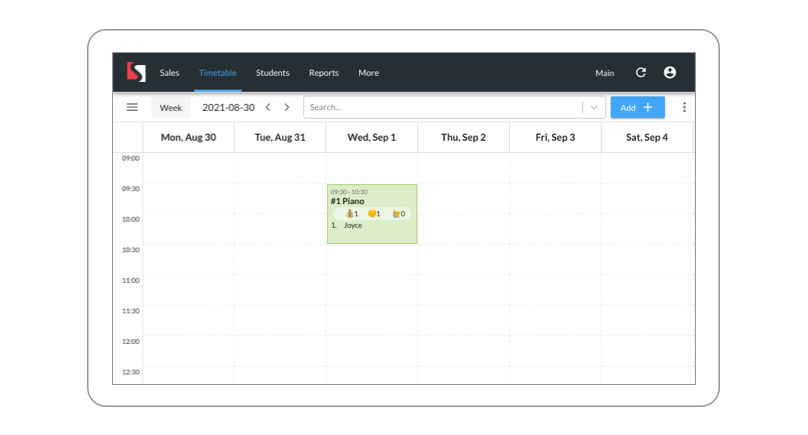
The POS is streamlined with the timetable. Once you issue an invoice, the student is scheduled into the related courses automatically, skipping the separate step of adding them to the timetable. And if any lessons are later rescheduled, the corresponding invoice is updated automatically, so billing and scheduling never drift apart.
Putting it together: from first call to confirmed seat
The full path looks like this: an enquiry arrives from any channel and lands in the CRM; staff follow up with full context and move it through the pipeline; when the prospect commits, the front desk enrols the whole package in one click, takes payment flexibly, and the timetable updates itself. Every hand-off that used to lose leads is now a recorded step.
Centres that work this way get better visibility, faster response times, and a clean path from first contact to enrolment, without adding admin headcount.
What follow-up cadence actually converts?
A CRM only helps when staff complete the follow-ups, so agree on a simple cadence and record every contact against the enquiry. Respond promptly, then follow up with something concrete: a trial-class date, course outline or fee sheet rather than a generic “just checking in”. After a trial, contact the family while the experience is still fresh and record the outcome and next action.
If a lead stops responding, do not delete it, move it to Lost with a reason. Those reasons are your improvement backlog: if leads consistently go cold on price, that is a packaging problem; if they go cold on schedule, that is a timetable gap. And because each stage in the pipeline is counted, you can put numbers on the funnel, how many enquiries arrived this month, how many reached a trial, how many enrolled, and see within a term whether a change to your follow-up script or trial offer moved the conversion rate.
Common mistakes to avoid
- Creating student records for every enquiry. This clutters your database with people who never enrol. Keep leads in the CRM and convert only on confirmed enrolment.
- Letting each staff member keep their own list. Personal notebooks and chat threads make hand-offs impossible. If it is not in the shared record, it did not happen.
- Not recording the enquiry source. Without the source, you cannot tell which ads and referral channels are worth the spend.
- Making the parent wait at the point of decision. If registration takes twenty minutes of form-filling and manual fee arithmetic, some of your hardest-won conversions will walk out to "think about it". One-click package enrolment closes that gap.
Ready to stop losing enquiries between the first call and the first lesson? Start your free trial at www.schooltracs.com and set up your enquiry pipeline in an afternoon.
Frequently Asked Questions
What is an enquiry CRM for a tuition centre?
It is a system that stores every lead from calls, forms, ads, and referrals in one place, with the contact details, source, preferences, and follow-up history, so any staff member can pick up the conversation and move the prospect towards enrolment.
How do I stop enquiries from getting lost between staff members?
Record every enquiry in a shared CRM the moment it arrives and assign it a pipeline stage such as New, Prospecting, or Lost. Whoever follows up next sees the full context without digging through messages or spreadsheets, so nothing slips through.
Should enquiries be kept separate from enrolled students?
Yes. Keeping leads separate from enrolled students keeps your main student database accurate. In SchoolTracs, an enquiry only becomes a student record once enrolment is confirmed.
How can I make the enrolment step itself faster?
Use a POS that enrols a whole lesson package in one click, calculates the package fee excluding holidays, accepts cash, cheque, bank transfer, partial or deferred payment, and schedules the student in the timetable automatically when the invoice is issued.
For leads arriving from forms or spreadsheets, see how to connect SchoolTracs with Zapier.